Workout Tracker Spreadsheet: Log Sets, Reps and What You Lifted Last Time
workout tracker spreadsheet guide: choose clear columns for sets, reps, weight, and last time, then compare a fictional three-week log in Sheets or Excel.
By Ultimate Fitness Tracker by Cosmo Suite · Editorial policy
Published · 7 min read

General information, not medical or fitness advice. Talk to a qualified professional.
A workout tracker spreadsheet is easiest to use when each entry says when you trained, which exercise you did, and the work you recorded. Keep sets, reps, and weight in clear columns, then place the last recorded session beside the current one. This gives you a readable history while leaving program decisions to you and a qualified professional.
If you have ever stood by a rack trying to remember whether the last row was 8 or 10 reps, the missing piece is usually the record. The Workout Planner in Ultimate Fitness Tracker includes a “last time” view for each exercise. You can also build a simple log in a blank spreadsheet.
The Trend Line:
- Date, exercise, set, reps, weight, and unit cover the basic lifting record.
- A “last time” column points to the prior entry for the same exercise.
- Keep optional notes short and tied to a real detail you want to find later.
- Example numbers below are fictional. They are not targets or recommendations.
What a Workout Tracker Spreadsheet Needs at a Glance
A useful workout tracker spreadsheet keeps the details needed to identify a session and read the recorded work. The CDC activity diary starts with a date and minutes, then leaves room for other details such as activity and weight lifted.
| Column | What it records | Keep it? |
|---|---|---|
| Date | When the session or set happened | Yes |
| Exercise | The movement name used in the log | Yes |
| Set | Which set the row describes | Yes for set-by-set entries |
| Reps | Repetitions recorded for that set | Yes for lifting entries |
| Weight and unit | Load entered as kg or lb | Yes when load applies |
| Last time | The prior entry for the same exercise | Helpful for comparison |
| Notes | A short detail such as “machine occupied” | Optional |

One row per set makes changes in reps or weight visible. One row per exercise takes less space when the sets match. Either format can work if the headers explain what each number means. Do not put “3 × 8” in a single cell if you later want to sort reps or weight separately.
How to Read a Workout Log From One Session to the Next
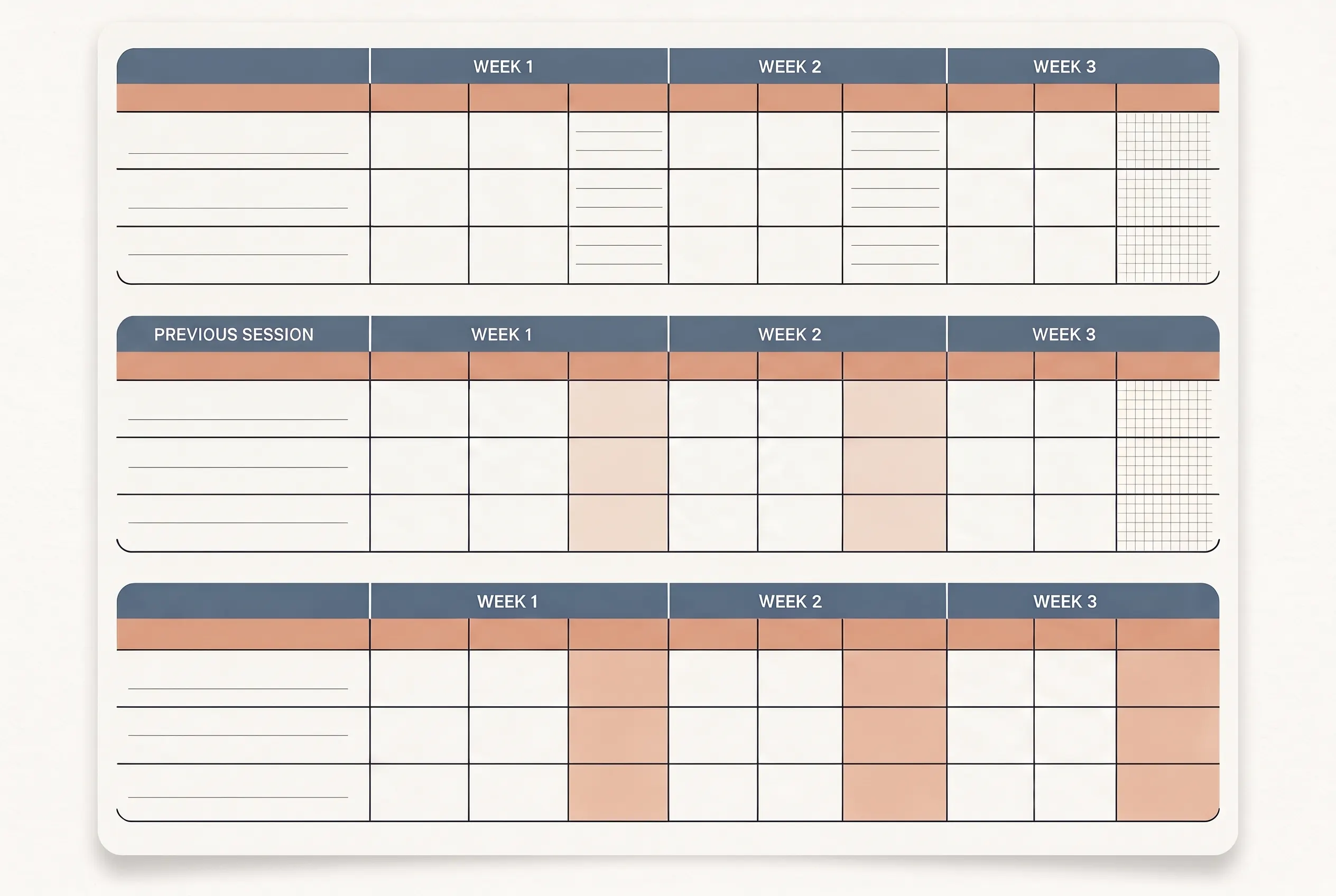
Put the latest entry beside the last recorded session for the same exercise. Many blank templates leave that comparison implicit. Writing both entries next to each other means you can compare two dates without searching the whole log.
Here is fictional example data. The numbers only demonstrate a record format. They do not suggest a target, a typical result, or what anyone should lift.
| Example data only | Session date | Sets and reps | Weight | Last time |
|---|---|---|---|---|
| Bench press | 7 Oct | 3 sets × 8 reps | 40 kg | First entry |
| Bench press | 14 Oct | 3 sets × 8 reps | 40 kg | 7 Oct: 3 × 8 at 40 kg |
| Bench press | 21 Oct | 3 sets × 9 reps | 40 kg | 14 Oct: 3 × 8 at 40 kg |
| Squat | 7 Oct | 3 sets × 6 reps | 50 kg | First entry |
| Squat | 14 Oct | 3 sets × 6 reps | 50 kg | 7 Oct: 3 × 6 at 50 kg |
| Barbell row | 7 Oct | 3 sets × 8 reps | 30 kg | First entry |
| Barbell row | 14 Oct | 3 sets × 8 reps | 30 kg | 7 Oct: 3 × 8 at 30 kg |
The third bench press row differs from the prior example by one rep per set. The table does not label that change as better or worse. It simply preserves what was entered, with the date and unit attached.
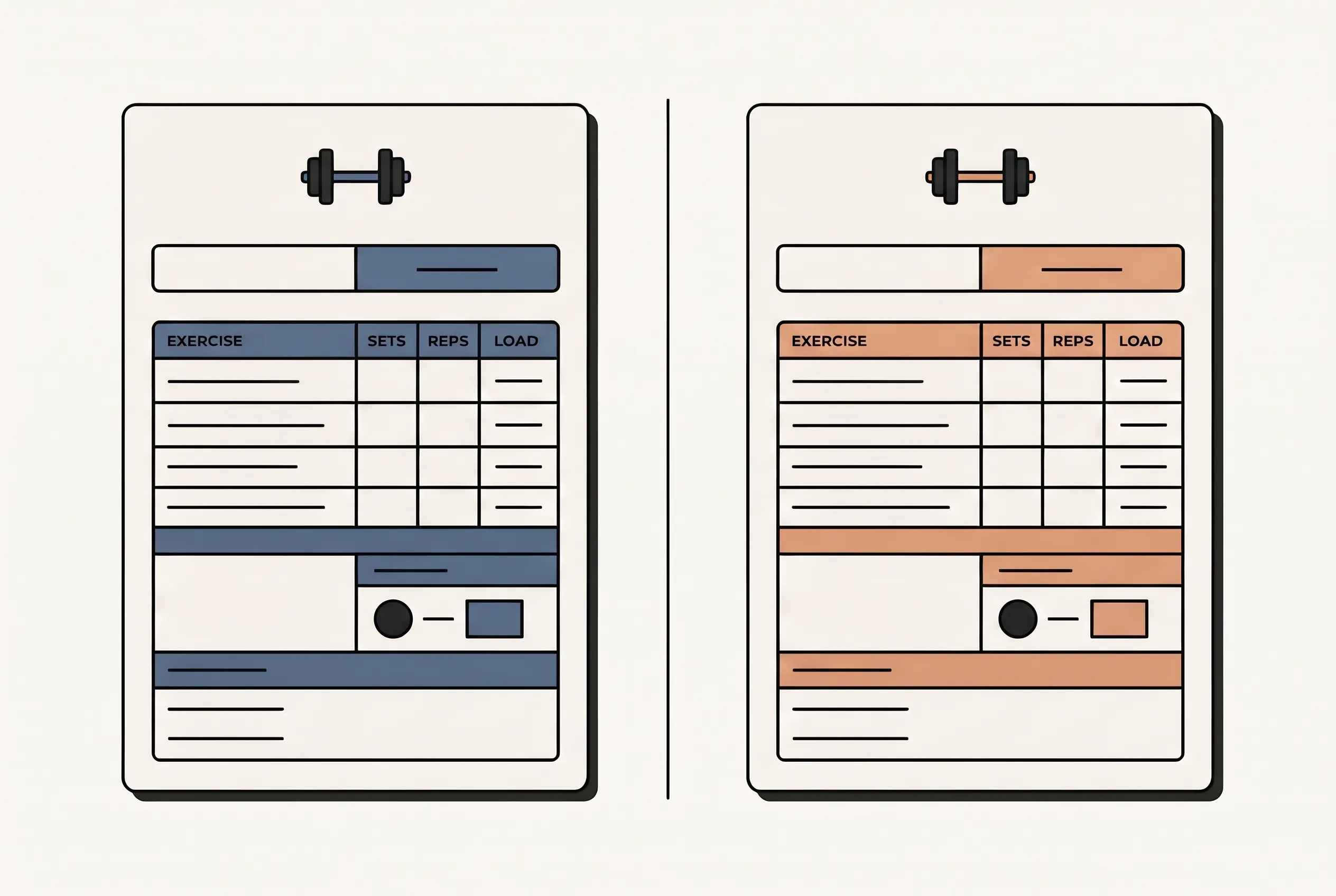
This layout also makes gaps easier to spot. If a lift has no entry for a week, the date shows that. If the exercise name changes from “barbell row” to “row,” a spreadsheet may treat it as a different movement when you sort or filter. Consistent names help you find the earlier row.
Which Columns Belong in a Workout Tracker Spreadsheet?
Use separate columns for the values you may want to find or compare later. A row with a date, exercise, sets, reps, and weight is easier to scan than a note that combines every detail into one cell.
Use one row for each set when reps or weight differ from set to set. Add a set number, then record its reps and weight. If all sets match, an exercise-level row can hold the sets count and reps pattern. Name the format in the sheet title or a note.
Keep units visible. If one entry is 40 kg and another is 40 lb, the number alone does not show whether the loads match. The CDC’s activity log likewise leaves room to record how heavy weights were as an activity detail. Its purpose is a broad activity record, so a lifting log can add more rows when more detail is useful.
Use the notes field for context you may need later. “Cable station busy; used dumbbells” explains a substitution. “Felt off” may be too vague on its own. Leave the cell empty when there is nothing to preserve.
When two entries differ, note what changed before comparing the numbers. These examples show recordkeeping choices, not a way to judge a workout.
| Situation | What to keep beside the entry | Why it helps when you review |
|---|---|---|
| Same exercise, same setup | Date, sets, reps, weight, unit | The entries can be read side by side |
| A different version of a movement | The exact exercise name you used | “Dumbbell row” and “barbell row” stay distinct |
| Different equipment | A short note such as “machine” or “cable” | The record preserves which setup the number came from |
| Bodyweight exercise | Reps and any added load, if used | An empty weight cell is not mistaken for a missed entry |
A last-time column is a small field that repeats the most recent entry for the same exercise. It gives the next session a reference point. It does not set a target or tell you to change the load. Keep the date visible, since the most recent entry may not be from the previous calendar week.
If you also log running, cycling, or walking, add the fields those entries need, such as time or distance. Do not force cardio details into the lifting columns. The Workout Tracker Spreadsheet’s pillar guide shows how the broader tracker keeps different records in their own fields.
How to Set Up a Workout Log in Google Sheets or Excel
Start a basic workout log with a header row, a consistent row pattern, and a way to find older dates. Start with a blank sheet and add these headings: Date, Exercise, Set, Reps, Weight, Unit, Last time, Notes.
Then use a few simple rules:
- Enter the date in the same format each time.
- Use one name for each exercise throughout the log.
- Put the unit in its own column or in the column heading.
- Add a new row for a set when the reps or weight differ.
- Keep the newest session easy to locate by sorting or filtering on date.
You can begin with fewer columns and add one when a real question comes up. If the sheet is slow to fill in, remove fields you do not use. If you cannot tell which row describes a session, add a heading or date. This is a recordkeeping choice, not a training prescription.
The product’s Workout Planner keeps the previous recorded numbers beside each exercise. Ultimate Fitness Tracker also includes three printable bonus pages, including a weekly workout log. Those are product contents; the blank-sheet setup above works without them.
The CDC activity diary is a simpler weekly record. It lets people write down activity and track the week. A lifting spreadsheet can hold more detail when you want to compare exercise entries, but there is no need to fill every possible column. Start with the fields you use.
What a Workout Log Can and Cannot Tell You
A log can show what you recorded over time, but it cannot choose a personal program or interpret a number for you. The ACSM’s 2026 summary emphasizes individualization in resistance-training programs. A spreadsheet preserves entries; it does not decide which entry is suitable for a particular person.
Use the sheet to answer narrow record questions: What exercise was listed? Which date was it? What reps and load were recorded? If you calculate totals, show the method and the rows included. A total without a clear definition can be hard to interpret.
For example, “3 sets × 8 reps” describes the entry as written. Multiplying those values gives 24 repetitions across the three sets, but it does not measure every part of a session. A log can hold that arithmetic while leaving advice to a qualified professional. For a separate explanation of effort as a recorded field, see this guide to adding a perceived-effort column.
Why Trust This Article
We are the Ultimate Fitness Tracker team that built the spreadsheet’s Workout Planner. The sources were checked on 28 October 2026. The examples use fictional entries to explain the columns and are not customer results. We identify the publisher and explain how sources and corrections work in our editorial policy. This article gives general information, not personal training advice.
Where Ultimate Fitness Tracker Fits
Ultimate Fitness Tracker is a weight loss and workout spreadsheet with 11 connected tabs in Google Sheets and Excel. Its Workout Planner records sets, reps, weight, and what you lifted last time. The product includes a weekly workout log printable. It does not provide medical or fitness advice. If you want those details already arranged in a file, see the spreadsheet’s Workout Planner and connected tabs.
Frequently asked questions
What should a workout tracker spreadsheet include?
Start with the date, exercise, sets, reps, weight, and unit. A last-time column makes the previous entry easy to compare. Add notes only when they explain a change you want to remember.
How do I make a workout tracker in Google Sheets?
Create columns for date, exercise, set, reps, weight, and unit. Add each exercise on a new row, keep the name consistent, and sort or filter by date when you review earlier sessions.
Is Excel or Google Sheets better for a workout log?
Either can hold a basic workout log. Choose the one you already use and can open when you record a session. Check date and weight units before comparing entries.
Should I log every set or just the exercise?
A set-level log keeps reps and weight separate for each set. An exercise-level row is quicker when every set used the same load and reps. Pick one format and label it clearly.
What does a last-time column mean?
It repeats the most recent recorded entry for the same exercise, such as the prior date, reps, and weight. It helps you find the earlier record; it does not tell you what to lift next.
Can I use a workout spreadsheet for cardio too?
Yes. Add fields that match the activity, such as time or distance. Keep those in separate columns from lifting sets, reps, and weight so each entry stays readable.
Sources
Keep reading

Workout Logs
Workout Log Template: Printable vs Spreadsheet, and What Each Should Track
Compare a printable workout log template with a spreadsheet, choose the fields you need, and see a clearly labeled example session log.
· 8 min read

Workout Logs
Fitness Planner Template: Weigh-Ins, Workouts and Habits on One Calendar
Fitness planner template options compared by what they track. See when a printable, paper planner or spreadsheet fits your weekly routine.
· 6 min read
Workout Logs
Progressive Overload Tracker: How to Log It So You Know What to Lift Next
Progressive overload tracker: log each lift, set, rep, load and unit, then compare sessions with a clear example in Google Sheets or Excel.
· 8 min read
