Fitness Planner Template: Weigh-Ins, Workouts and Habits on One Calendar
Fitness planner template options compared by what they track. See when a printable, paper planner or spreadsheet fits your weekly routine.
By Ultimate Fitness Tracker by Cosmo Suite · Editorial policy
Published · 6 min read
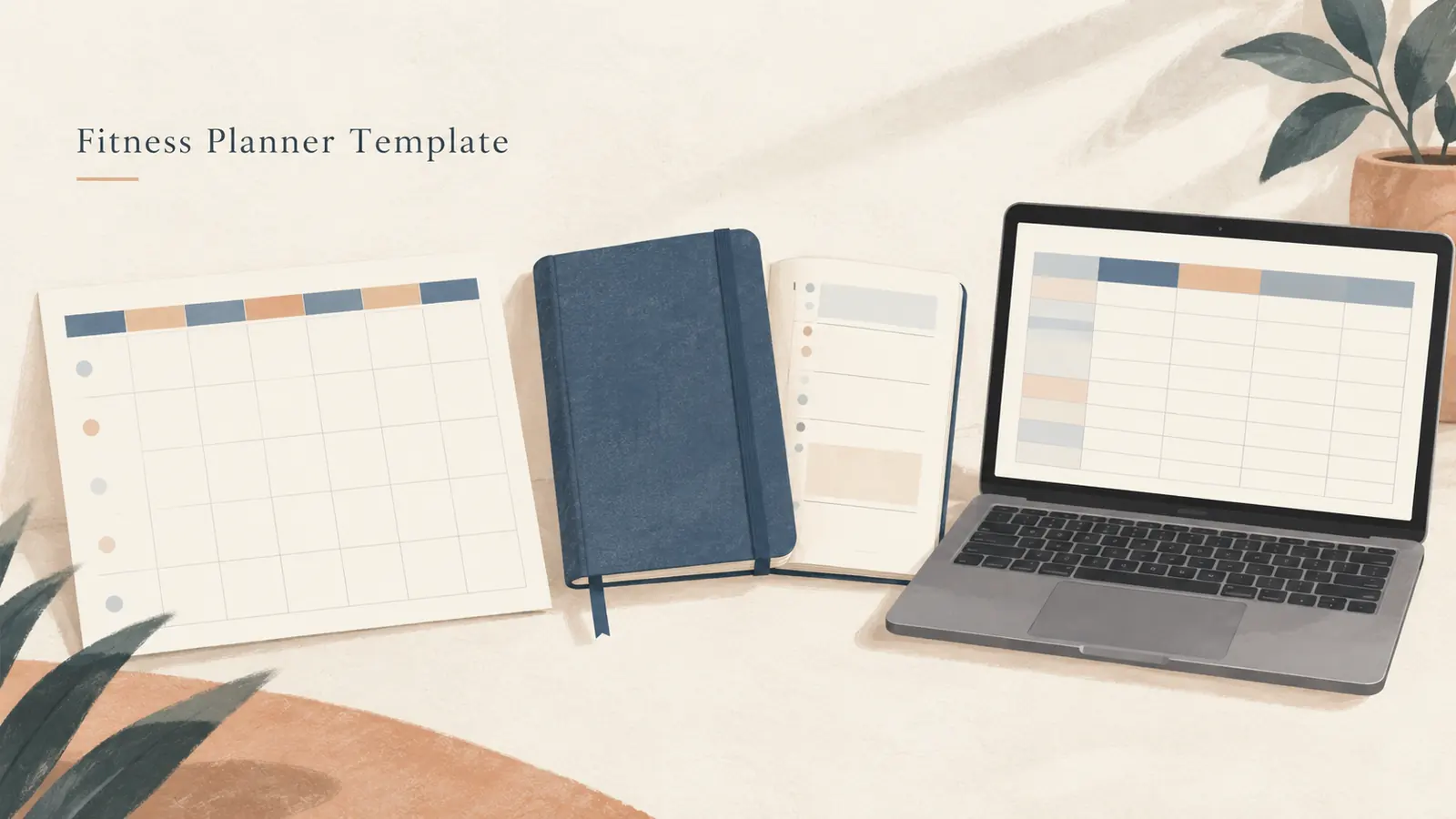
Fitness planner template is a reusable page or file for scheduling activity and keeping related records. Choose one that matches what you want to revisit: dates in a weekly view, completed workouts, or habits you choose to track. A printable or paper planner can put the week on one page. A spreadsheet can keep the calendar beside separate records. The Ultimate Fitness Tracker spreadsheet has separate My Calendar, Good Habit Tracker and Workout Planner tabs.
Key Takeaways
- Check whether the template covers planning, recording and reviewing.
- Keep completed sessions distinct from calendar plans and habit marks.
- Choose a printable, paper planner or spreadsheet based on the fields you will revisit.
Fitness Planner Templates at a Glance
The main choice is whether you need a calendar, a record of what happened, or both. A calendar helps place entries on dates. A log gives a session its own details. A combined template can keep both views in one place, if its layout has the fields you need.
| Format | What it can hold | Useful when | Trade-off |
|---|---|---|---|
| Printable template | A weekly or monthly grid and handwritten notes | You want a page you can print and mark | Small boxes can limit detail |
| Paper planner | Dated or undated spreads, check-ins and notes, depending on the book | You prefer writing by hand and keeping a bound record | Searching older entries means finding the page |
| Spreadsheet | A calendar plus separate dated lists or tabs | You want multiple kinds of records in one file | You need to open the file and keep entries organized |
| One calendar only | Dates and short labels | Your main task is to see when an activity is planned | It may not show what happened inside a session |
Start with the smallest format that covers the job you return to. If you only need a week view, a calendar may be enough. To revisit workout or habit entries, check that the template gives each record its own space.

What Should a Fitness Planner Template Track?
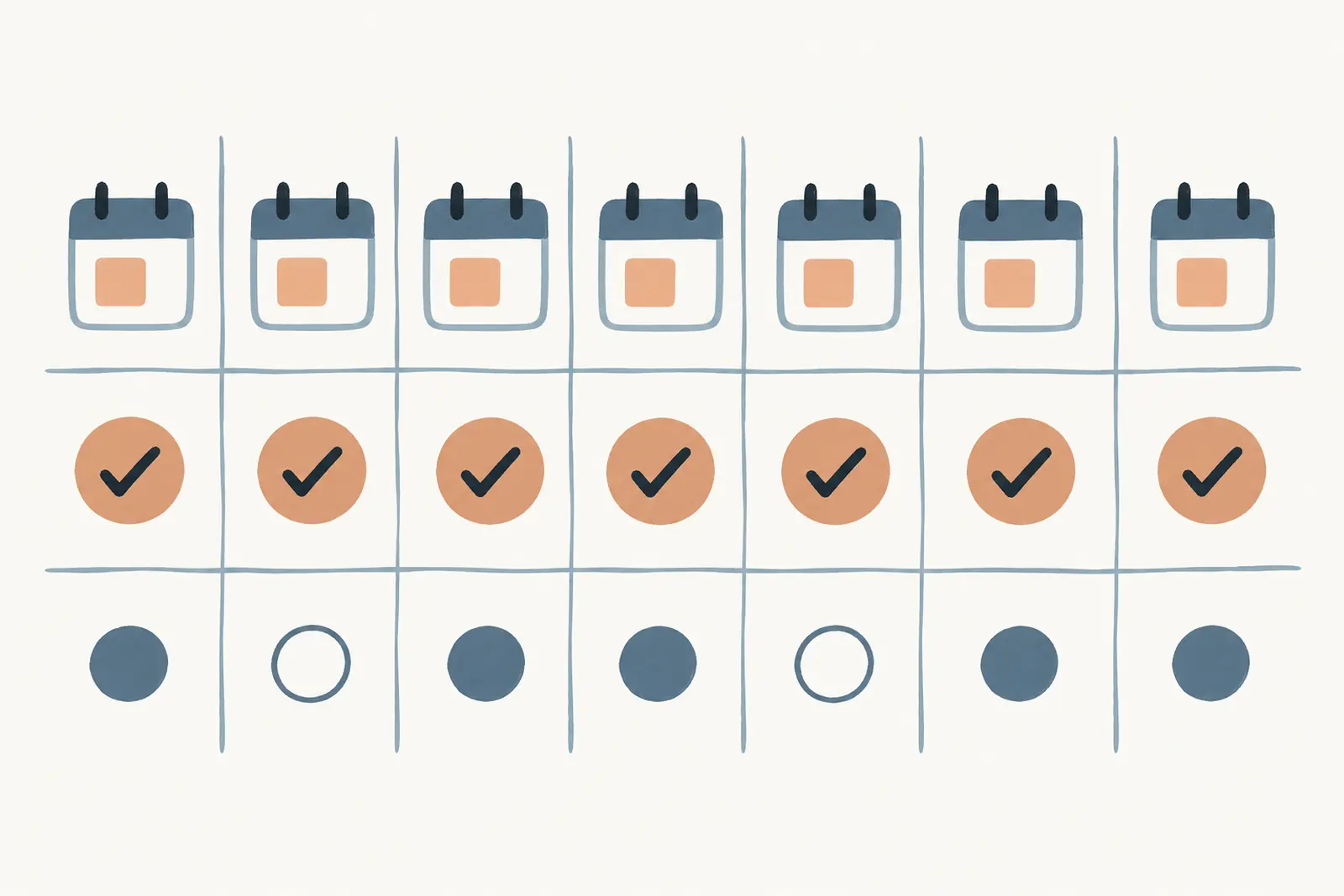
A fitness planner template works best when you can tell three entries apart: what you planned, what you completed, and any habit check you chose to record. A calendar label alone does not show that a session happened.
This fictional week is a layout example. It keeps the planned session, completed record and habit mark separate. The entries show a layout only, not a training recommendation or target.
| Example data only | Plan on calendar | Record after the day | Habit check |
|---|---|---|---|
| Monday | Walk | Walk completed; note added | Stretching: checked |
| Tuesday | Workout | Workout completed; session details in log | Stretching: blank |
| Wednesday | Open | No session planned | Stretching: checked |
| Thursday | Workout | Plan changed; no workout entry | Stretching: blank |
| Friday | Open | No session planned | Stretching: checked |
| Saturday | Workout | Workout completed; session details in log | Stretching: checked |
| Sunday | Review | Week reviewed; note saved | Stretching: blank |
Tuesday and Saturday point to workout records, leaving the calendar cell for a short label. Thursday keeps the original plan visible beside the change. A blank habit box means no mark was entered; it does not explain why.
For a workout record, use fields that make sense for the activity and your own plan. The workout tracker spreadsheet guide compares printable and spreadsheet logs. A separate entry can keep the date and session notes together without turning the calendar into a crowded form.
Printable, Paper or Spreadsheet?
Printable, paper and spreadsheet templates can cover similar jobs. Their layouts differ, so compare the fields first. Then decide where you want the record to live and how you will review it.
The Canva workout planner collection offers daily, weekly and monthly layouts that can be customized, downloaded and printed. Choose a layout with enough room for the notes you plan to make. Before printing, check whether each date holds more than a short label.
The Erin Condren A5 Fitness Planner lists undated monthly spreads, daily movement tracking, progress check-ins and note pages. The Clever Fox Fitness & Food Journal describes monthly workout calendars, daily pages and a monthly review. Both are bound paper products with set page structures. Review a page preview to confirm it includes the fields you want.
A spreadsheet can keep a calendar view beside separate tabs for other records. Google Sheets and Excel both document ways to sort or filter rows, which can help when you want to find a dated entry later (Google Sheets sorting and filters, Excel table filters). A calendar mark alone may be too brief for session details. The file still needs your entries and a layout you can maintain.
Avoid comparing templates by how many boxes they show. A large page can still miss the one field you need, while a smaller grid may be easier to keep current. Check one real week of your routine against the template before printing or setting up a whole year.
How to Plan a Week Without Mixing Plans and Records
Give each entry a clear label for its job. “Planned” belongs on the calendar before the day. “Completed” describes what you recorded afterward. “Habit check” is a separate mark for a recurring item you chose to track. Before choosing a format, ask: do you want to see the plan, record the session, or compare the two later?
Try this fit check before you download or buy a fitness planner template. For example, if Tuesday’s calendar cell says “workout,” the record can hold the session notes. Keep both entries on the same date so they are easy to connect.
- Write down the views you want to revisit: a week, a workout entry, or a habit grid.
- Check that the template has a distinct place for each view.
- Fill one sample week with fictional entries and see whether the plan and the record remain easy to tell apart.
- Decide where you will keep longer notes or session details if the calendar has limited room.
If you prefer one page, a printable may be a good fit when short labels are enough. If you want a calendar plus longer records, look for a spreadsheet or a paper planner with dedicated log pages. A notebook can work too, as long as you can find the entry you want to revisit.
Keep your labels plain. “Planned: Tuesday workout” and “Logged: Tuesday session” make different claims. A calendar dot alone cannot tell you what happened. A blank habit box only means it is blank. These small distinctions make the record easier to read later without assigning a score to the week.
When the record you want is previous lifting values beside the current entry, the progressive overload tracker guide explains how a log can preserve comparable entries. It is a logging question, separate from deciding what a training plan should prescribe. If you want the calendar, workout and habit records in one file, the Ultimate Fitness Tracker spreadsheet is one option to compare with paper planners.
Where Ultimate Fitness Tracker Fits
Ultimate Fitness Tracker is a spreadsheet with 11 connected tabs for Google Sheets and Excel. Its contents include a Workout Planner, My Calendar and Good Habit Tracker, alongside tabs for weigh-ins, measurements and progress photos. The calendar, workout and habit records have separate tabs rather than being squeezed into one grid.
That setup may fit if you want the calendar beside those records in one file. The fitness tracking spreadsheet also includes three printable bonus pages, including a weekly workout log. A paper planner may suit you better if you prefer a bound page.
Use the 3-job fit check to decide whether those tabs match what you want to keep. If dates and short labels are enough, a basic printable may cover the task. If you also want separate workout and habit records, compare those fields before choosing.
Why Trust This Article
This article is published by Cosmo Suite, which makes Ultimate Fitness Tracker. The About page identifies the publisher, and the editorial policy describes how the site handles sources and corrections. We checked the listed template details against the vendors’ public pages on 1 November 2026. The article compares the fields those pages describe; we did not test the competitor products or score them. The fictional week demonstrates a record layout only. It is not user data, a workout program or a fitness result.
Frequently asked questions
What is a fitness planner template?
A fitness planner template is a reusable layout for scheduling activity and keeping related notes. Depending on its design, it may be a printable calendar, a paper planner, or a spreadsheet. Check whether it records plans only or also gives you a place to note what you completed.
What should a fitness planner template include?
Start with the fields you will use: dates, planned activity, completed activity, and a short note. If you also want to review body measurements or workouts, check that the format has dedicated places for those records. A calendar grid alone may not hold detailed session entries.
Is a printable or spreadsheet fitness planner easier to review?
For handwriting, a printable gives you a page to mark. A spreadsheet keeps dated rows and tabs in a digital file. Choose the format whose fields match the review you plan to do.
Can a fitness planner track workouts and habits together?
Yes, if the layout has separate places for both. A calendar can hold a planned session, while a habit grid can mark a recurring check. Keep each entry labelled so a planned workout, a completed workout, and a habit mark do not look like the same record.
How is a fitness planner different from a workout log?
A planner usually helps place activity on dates. A workout log records what happened in a session, such as the exercise and the values you choose to record. Some templates combine both jobs; others work better as separate pages or tabs.
Can I use a paper planner and spreadsheet together?
Yes, if each format has a clear job. Use paper to see the week and a spreadsheet for records you want to revisit, for example. Decide which copy is your source of truth, then transfer only the details you need. Duplicate calendars take extra upkeep.
Sources
Keep reading

Workout Logs
Workout Tracker Spreadsheet: Log Sets, Reps and What You Lifted Last Time
workout tracker spreadsheet guide: choose clear columns for sets, reps, weight, and last time, then compare a fictional three-week log in Sheets or Excel.
· 7 min read
Workout Logs
Progressive Overload Tracker: How to Log It So You Know What to Lift Next
Progressive overload tracker: log each lift, set, rep, load and unit, then compare sessions with a clear example in Google Sheets or Excel.
· 8 min read
Workout Logs
Workout Log Template: Printable vs Spreadsheet, and What Each Should Track
Compare a printable workout log template with a spreadsheet, choose the fields you need, and see a clearly labeled example session log.
· 8 min read
