Progressive Overload Tracker: How to Log It So You Know What to Lift Next
Progressive overload tracker: log each lift, set, rep, load and unit, then compare sessions with a clear example in Google Sheets or Excel.
By Ultimate Fitness Tracker by Cosmo Suite · Editorial policy
Published · 8 min read
General information, not medical or fitness advice. Talk to a qualified professional.
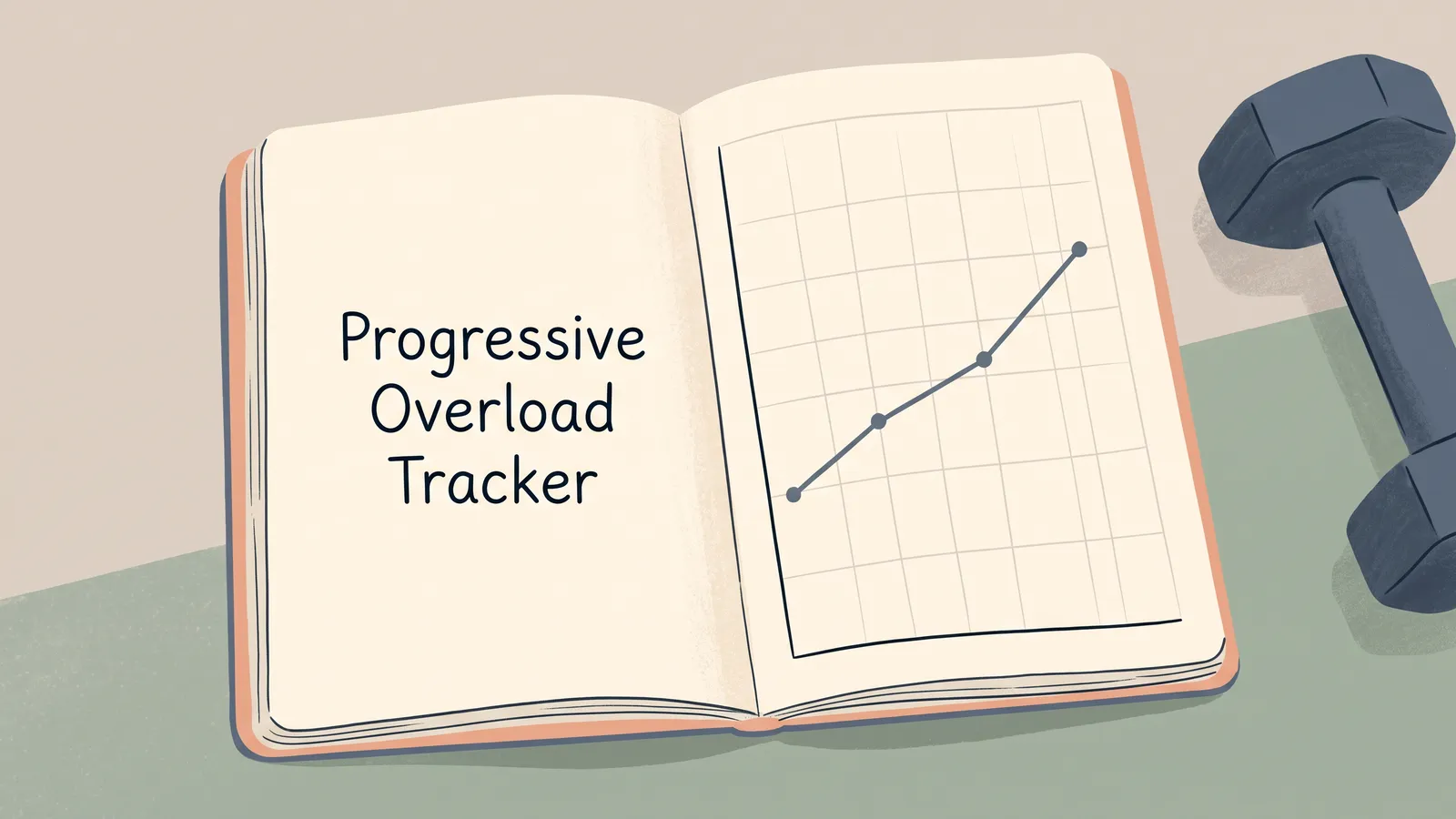
A progressive overload tracker is a workout log that lets you compare what you recorded for the same exercise over time. Keep its date, sets, reps, load and unit together, then show the last recorded session beside the current one. That makes the comparison visible without turning it into a prescription.
The phrase can sound like a command to add weight every time you train. In practice, the tracker records completed work, the conditions you remember and the differences between entries. You and a qualified professional make decisions about a training plan.
The Workout Planner in a workout and weight tracker spreadsheet keeps sets, reps, weight and last-time values together. You can also use a blank spreadsheet, notebook or any log that makes the same details easy to find.
The Trend Line:
- Record the exercise, date, sets, reps, load and unit.
- Compare the current entry with the latest entry for that same exercise.
- Note a setup change before reading two rows as a direct comparison.
- Treat example values as a format demonstration, not a target.
Progressive Overload Tracking at a Glance
A progressive overload tracker should show the recorded work and enough context to compare entries. The National Strength and Conditioning Association describes progressive overload as a gradual increase in training stress, with examples that include changes in resistance and repetitions. That definition does not make a spreadsheet a training plan.
| Field | What it preserves | Why it helps when you review |
|---|---|---|
| Date | When you did the exercise | Keeps the order of entries clear |
| Exercise and variation | The movement name you used | Separates unlike movements or equipment |
| Sets and reps | The completed work | Shows the recorded amount without combining fields |
| Load and unit | The weight entered | Keeps kg and lb distinguishable |
| Last time | The previous matching entry | Puts the comparison within view |
| Notes | A setup change or useful detail | Adds context when the rows differ |
One row per set keeps different sets separate. One row per exercise takes less space when every set matches. Choose a format you can keep consistent, and label what each row represents. The workout tracker spreadsheet guide shows these fields in a fictional example log.

What Counts as Progressive Overload?
Progressive overload is a gradual increase in training demand over time. The change may appear in a field other than load. The NSCA's 2023 overview lists possible changes such as resistance and repetitions. These are program design choices for a plan, not instructions for every reader.
Keep the values that actually changed. If the load stayed the same but reps differed, record both. If you changed equipment or the exercise version, name that difference. A number without its label can look more comparable than it is.
The American College of Sports Medicine's 2026 summary stresses individualization in resistance-training programs. It does not establish a universal schedule for adding weight. Use a program from a qualified professional for decisions about what to change, and use your tracker to preserve what happened.
Your log can say, “the entry changed from 8 to 9 reps.” It cannot say that the change is safe, expected or right for you. A tracker formula should not recommend more load just because a cell contains a larger value.
How to Compare One Lift Across Sessions
Compare entries for the same exercise by reading the date, exercise name, sets, reps, load and unit together. A three-week log can make a difference easy to see, as long as it is clearly labelled as example data.
The table below uses fictional bench press entries across four weeks. These values only demonstrate how a log can preserve an earlier session. They are not typical results or a training target.
| Example data only | Session | Sets and reps | Load | Last time |
|---|---|---|---|---|
| Bench press | 7 Oct | 3 sets × 8 reps | 40 kg | First entry |
| Bench press | 14 Oct | 3 sets × 8 reps | 40 kg | 7 Oct: 3 × 8 at 40 kg |
| Bench press | 21 Oct | 3 sets × 9 reps | 40 kg | 14 Oct: 3 × 8 at 40 kg |
| Bench press | 28 Oct | 3 sets × 9 reps | 42.5 kg | 21 Oct: 3 × 9 at 40 kg |
The middle rows show reps changing while the load stays the same. The last row changes the load field too. These entries do not explain why or what should happen in a later session. Dates keep the order clear, and “last time” shows which entry the writer compared.
If you record weight in pounds instead of kilograms, keep the unit with each entry or make the unit explicit in the heading. A bare “40” can refer to different loads. Do not compare the same number across units as if it meant the same thing.
When you review your own log, first check that the exercise name and setup still match. Then read the values that changed. If the setup differs, note that before you compare the numbers.

How to Build a Progressive Overload Tracker in Sheets or Excel
Start with a dated table and give each piece of information its own column. A plain sheet is enough to keep an exercise history readable. You do not need a formula that tells you what to do next.
Add headings for Date, Exercise, Variation, Set, Reps, Load, Unit, Last time and Notes. Give each set its own row when reps or load vary. When the sets match, a shorter record can show the set count and rep pattern in separate fields. Keep the format steady across sessions.
Use the exercise name consistently. “Bench press,” “barbell bench” and “bench” may look like three separate movements to a filter. If your setup changes, keep that detail visible in the variation field or in Notes. That makes it easier to find the earlier entry you intended to compare.
A last-time field can display the previous date and values for the same movement. It is a reference, not an instruction. In a basic sheet, you can also find the last entry by filtering the Exercise column and sorting the dates. If you use a formula, check the result against the source rows before relying on it.

The CDC fitness log places a date beside each day and leaves room for optional activity details, including how heavy weights were. A lifting log can add exercise, set and rep fields. For instance, separating reps from load lets a filter find each value.
Keep the sheet easy to maintain. If you stop using a field, remove it or leave it optional. If a new question comes up, add one field that answers it. Extra columns can make a log slower to fill without making the comparison clearer.
For a wider overview of the records in one file, see the weight loss tracker spreadsheet guide. Weight and measurements have their own fields there, while workout entries remain separate.
What to Record When the Numbers Stay the Same
When two sessions show the same reps and load, keep both dated entries. Each one tells you what was recorded that day and keeps the sequence intact for later review.
You can add a short note when a real detail may help explain the record: equipment availability, a changed exercise variation, or a different unit. Avoid turning a blank cell into an assumed reason. If you do not know why something changed, it is fine to leave the reason unknown.
If you missed a session or did not write down a set, leave the gap visible. Do not fill in a guessed value to make the table look complete. A clear blank preserves what you know and what you did not record.
An automatic “next load” formula can mislead because it sees cells, not your plan, technique, comfort or circumstances. Use the spreadsheet to retrieve your history, and keep decisions with your plan.
The Part Most Guides Leave Out: Comparable Entries Need Context
Two rows are easier to compare when they describe similar things. Exercise names, equipment, units and row format all affect what you can read from them. A spreadsheet cannot correct a mismatch that was never recorded.
“Row” may mean a barbell row in one entry and a cable row in another. A load in kilograms may sit beside a number in pounds. A set-level row may describe one set, while an exercise-level row summarizes several. The entries can look alike even when their meaning differs.
Use notes sparingly but specifically. “Cable instead of barbell” says what changed. “Different” does not. If you changed the exercise name, record the new version in a distinct field so the earlier entry remains findable.
Keep the method visible too. If a calculated column totals reps or load, label the formula and the rows it uses. A total without a definition can hide which sets were included. For most readers, a dated comparison beside the original values is easier to interpret than a summary score.
The Workout Planner in Ultimate Fitness Tracker includes fields for sets, reps, weight and what you lifted last time. It keeps the record together. It does not evaluate technique, interpret a change or provide a training program.
Why Trust This Article
The Cosmo Suite team built the Ultimate Fitness Tracker spreadsheet and its Workout Planner. The NSCA article and ACSM summary informed the definitions and limits here. Both sources were checked on 30 October 2026. The session table uses constructed example data, not customer or training results. This article gives general information, not personal training advice. This is about tracking, not medical advice. Talk to a doctor about your health. Our about page identifies the publisher, and the contact page accepts corrections. The editorial policy explains how we handle sources.
Where the Ultimate Fitness Tracker Fits
Ultimate Fitness Tracker is a weight loss and workout spreadsheet. Its Workout Planner records sets, reps, weight and what you lifted last time. It also includes Google Sheets and Excel versions, so you can keep the records in the format you use. It does not tell you how to train or what load to choose.
If keeping the previous entry in view is the part you want help with, the workout spreadsheet with a last-time field puts those values beside the exercise. You can use it as a record, or make your own sheet from the fields above.
Frequently asked questions
What is progressive overload in a workout log?
Progressive overload describes a gradual increase in training demand over time. A log keeps the exercise, sets, reps, load, units and other details together. Your plan and a qualified professional determine whether a change suits you.
What should a progressive overload tracker include?
Record the date, exercise name, sets, reps, load and unit. A previous-session field makes comparison easier. Note an equipment or range-of-motion change so the rows stay clear.
Can I track progressive overload in Google Sheets or Excel?
Yes. Google Sheets and Excel store dated workout rows and compare recorded values. Use consistent exercise names, separate columns for reps and load, and include kg or lb. Your training plan guides decisions.
Do I have to increase weight every workout?
No. The tracker records each session, including one where the load or reps stay the same. Follow the plan you have agreed with a qualified professional.
What if my exercise setup changes?
Add the change to a note or give the variation its own name. A barbell row and a cable row need separate labels, even if both entries say row. Keep the date and unit too.
How do I use a last-time column?
Show the date and values from the latest entry for the same exercise. The field points back to that record. Your plan, not the field, guides what happens next or how to interpret a difference.
Sources
Keep reading

Workout Logs
Workout Tracker Spreadsheet: Log Sets, Reps and What You Lifted Last Time
workout tracker spreadsheet guide: choose clear columns for sets, reps, weight, and last time, then compare a fictional three-week log in Sheets or Excel.
· 7 min read

Workout Logs
Workout Log Template: Printable vs Spreadsheet, and What Each Should Track
Compare a printable workout log template with a spreadsheet, choose the fields you need, and see a clearly labeled example session log.
· 8 min read

Workout Logs
Fitness Planner Template: Weigh-Ins, Workouts and Habits on One Calendar
Fitness planner template options compared by what they track. See when a printable, paper planner or spreadsheet fits your weekly routine.
· 6 min read
