Workout Log Template: Printable vs Spreadsheet, and What Each Should Track
Compare a printable workout log template with a spreadsheet, choose the fields you need, and see a clearly labeled example session log.
By Ultimate Fitness Tracker by Cosmo Suite · Editorial policy
Published · 8 min read

A workout log template gives each session a repeatable place for its date, exercise names, and the details you want to remember. A printable is easy to write on. A spreadsheet keeps entries in rows and can show what you recorded last time. Pick the format that makes your next entry clear.
The Ultimate Fitness Tracker includes a weekly workout log printable and a Workout Planner tab. Both support recording a session; the spreadsheet also keeps the previous recorded value beside an exercise. The workout log and planner in Ultimate Fitness Tracker put that record alongside other tracking tabs in a file you own.
The Trend Line:
- Begin with a date and a recognizable exercise name.
- Add sets, reps, and weight when those are the details you want to compare.
- Keep time, distance, and intensity only when they describe what you did.
- Use a printable for handwriting or a spreadsheet for repeatable rows and previous values.
What the numbers say
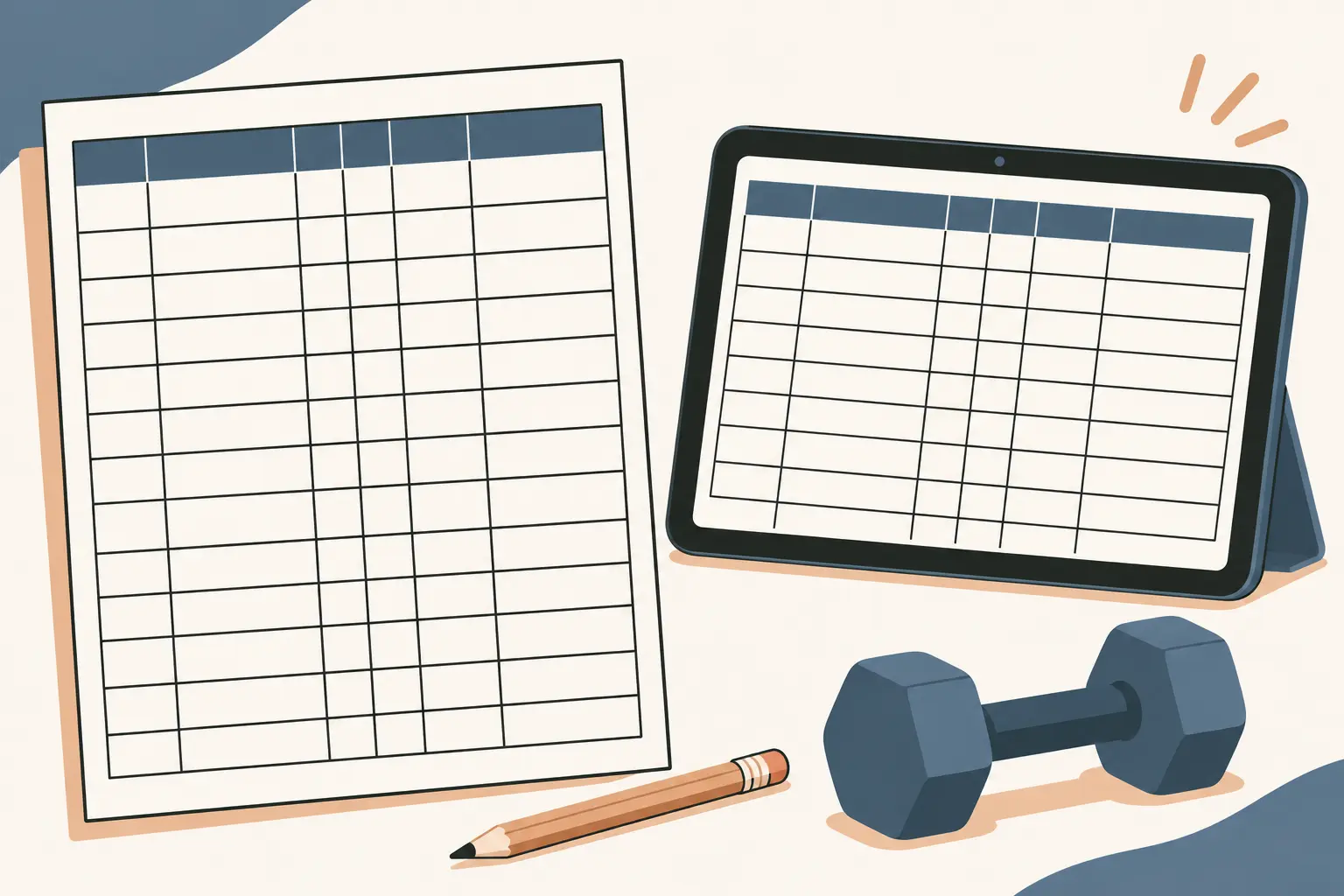
A printable and a spreadsheet can hold the same workout details; they differ in how you enter and revisit them. Paper gives you a fixed page. A spreadsheet gives you columns that can be sorted or copied, and a last-time field can sit beside the current entry.
| Task | Printable log | Spreadsheet log |
|---|---|---|
| Record a session date | Write the date on the page | Enter the date in a row |
| Keep exercise names consistent | Handwrite the same name each time | Reuse a row label or exercise list |
| Record sets, reps, and weight | Write values in boxes or lines | Put values under labeled columns |
| Add time or distance | Use a notes area or labeled field | Add a column if you use it |
| Look up an earlier entry | Turn back to the prior page | Keep a previous value beside the current one |
| Change the layout | Use another page or print a new one | Add or move columns, then check the layout |
A compact page can be enough if you want a quick record. A spreadsheet may be easier to scan when the same exercises appear across many dated sessions. The workout tracker spreadsheet guide shows a different angle: keeping session details together in a reusable table.
Start with the fields you will use
A useful workout log starts with a date, an exercise name, and the details you want to remember about that entry. A workout log is a dated record of exercise sessions and the details you want to find again. The names and units should stay clear enough that you can recognize the record later.
There is no single set of fields used in every exercise log. One study examined a paper log for recording exercise duration, while a review of home-based rehabilitation studies found logs and diaries used for frequency, duration, and intensity, with some studies recording sets and repetitions (exercise-log study indexed by PubMed, scoping review in PubMed Central). Those examples describe research forms for specific questions. They do not set a standard workout template.
| Field | What to write | Keep it clear by |
|---|---|---|
| Date | The session date | Use one date format throughout |
| Exercise | The name you use for the movement | Keep the label consistent when the exercise is the same |
| Set | A set number or separate row | Make each set distinguishable if you want set-level detail |
| Reps | The count you recorded | Put it under a reps heading, not in a general notes cell |
| Weight | The load recorded for that set | Mark whether the value is in lb or kg |
| Notes | A short detail you want to retain | Keep notes factual and tied to the session |
You do not need every field on every line. If you only want a session summary, one row per exercise can work. If you want to find what you recorded for each set, give each set its own row. The format should make the level of detail obvious.
Keep the unit beside the weight column or at the top of the page. If you switch between lb and kg, mark the change where it happens. A number without a unit is hard to compare with the next entry.
Exercise names need the same care. If a label changes for the same movement, you may not find the earlier row when you look for it. If the movement changes, use a distinct label. The progressive overload tracker article covers a related tracking question, while this page stays with the layout and fields.
Add fields when they describe your session
Time, distance, and intensity are optional fields. Include them when you want those details in your own record. They do not need to appear in every template just because the columns are available.
For a timed entry, label whether the value is a duration or a clock time. For distance, keep the unit beside the value. If you record an intensity label, use a scale or short description you understand and keep the meaning consistent in your own log. This article does not prescribe how to train or what intensity to choose.
A notes field can hold a brief session detail that does not fit another column. Keep it short enough to scan later. Avoid putting several unrelated values into one notes cell; separate fields are easier to read and compare.
The Ultimate Fitness Tracker Workout Planner tab includes fields for sets, reps, weight, time, distance, and intensity. The included weekly workout log printable gives you a paper format. The weekly workout planner will cover how a week of sessions can be laid out; this template guide focuses on recording each session.
Read a fictional example log
This fictional example data shows how a three-exercise session might look when each set gets its own row. The values only demonstrate a layout. They are not suggested exercises, weights, repetitions, or a training plan.
| Date | Exercise | Set | Reps | Weight | Notes |
|---|---|---|---|---|---|
| 17 Nov | Example movement A | 1 | 8 | 20 kg | example data |
| 17 Nov | Example movement A | 2 | 8 | 20 kg | example data |
| 17 Nov | Example movement A | 3 | 7 | 20 kg | example data |
| 17 Nov | Example movement B | 1 | 10 | 12 kg | example data |
| 17 Nov | Example movement B | 2 | 10 | 12 kg | example data |
| 17 Nov | Example movement B | 3 | 9 | 12 kg | example data |
| 17 Nov | Example movement C | 1 | 6 | 30 kg | example data |
| 17 Nov | Example movement C | 2 | 6 | 30 kg | example data |
| 17 Nov | Example movement C | 3 | 5 | 30 kg | example data |
The repeated date makes the rows part of one session. The set column separates entries that would otherwise look like duplicates. An actual log should use the exercise names and values that match its own record.
For a next-time comparison, keep a separate previous-value column or place the earlier session nearby. Add a date to that reference so the old value has context. A heading such as “last time” is useful when it points to a specific prior entry rather than an unexplained number.
Choose printable or spreadsheet
A printable works when you prefer handwriting and want a page you can carry or keep with other notes. It has a set amount of room. If the page becomes crowded, you may need another page or a shorter set of fields.
A spreadsheet works when you want entries in a repeatable table. It can keep the date, exercise, set, reps, and weight aligned in columns. A last-time value can appear next to the current record when the sheet is designed to do that. You still need to check that the row refers to the same exercise and that both values use the same unit.
Some people prefer to print a worksheet. Google Sheets lets you choose whether to print the workbook, current sheet, or selected cells, and adjust page options such as orientation and paper size in its print instructions. Microsoft Excel also provides a print preview and options for printing active sheets, a workbook, or a selection in its worksheet print guide. Preview the page before printing so columns and labels remain visible.
The how to track workouts guide will focus on recording sessions over time. If you want one page per workout, keep the fields large and leave room for handwriting. If you want many sessions in one place, a spreadsheet table may be easier to scan.
Keep the template readable
Use headings that explain each column without needing a legend. “Weight (kg)” is clearer than “Load” if kg is the unit you use. “Duration” is clearer than “Time” when you mean elapsed time.
Keep the date and exercise name close to the values they describe. If a long workout creates many rows, repeat the date or use a layout that makes the session boundary obvious. When you copy a template, check that its headings and units still fit your entries.
For paper, print one page and check the writing space. For a spreadsheet, review the screen and print view if you plan to use paper copies. Narrow columns can hide a heading or value. A quick preview helps catch that before the layout gets reused.
If your records include several kinds of workouts, do not force them into identical columns when the fields do not apply. A session with a distance entry may need that column; another may not. Leave a field blank when it does not apply rather than filling it with a value that could be misread.
The workout journal guide will look at a longer running record, and how to take progress photos covers a separate way to keep dated records. Those topics can sit beside a workout log, but they do not need to take space in its table.
Why trust this article
Ultimate Fitness Tracker is made by the Cosmo Suite team, which publishes this guide. Product details here are limited to the included weekly workout log printable and Workout Planner tab, and the fields documented for those tools. The example rows are fictional and exist to show a layout. This article is about recordkeeping, not exercise programming or medical advice. Learn about the publisher, read the site's editorial policy, or contact the team with a correction.
Where the Ultimate Fitness Tracker fits
Ultimate Fitness Tracker includes a Workout Planner tab and a weekly workout log printable. Its spreadsheet supports recording sets, reps, weight, time, distance, and intensity, with what you lifted last time shown beside each exercise. The file works in Google Sheets and Excel, both included.
If you want workout details in the same file as weigh-ins, measurements, and photos, see the Ultimate Fitness Tracker spreadsheet. It is your own file, paid once. The weight loss tracker spreadsheet guide explains the wider tracking layout; the workout fields here focus on keeping session entries readable.
Choose the paper log if writing on a weekly page suits your routine. Choose the spreadsheet tab if you want rows and previous workout values together. Both formats should make it easy to tell what you recorded and when.
Frequently asked questions
What should a workout log template include?
Start with a date, exercise name, and the details you want to record, such as sets, reps, and weight. Add time, distance, intensity, or notes when those describe your session.
Is a printable workout log or spreadsheet better?
A printable gives you a paper page to write on. A spreadsheet keeps entries in rows and can place previous values beside a new entry when it is set up to do so. Choose the format you will keep using.
Should I record every set?
That depends on what you want your log to show. If you want to compare sets, record each set on its own row. If you only need a session summary, use a shorter format and label it clearly.
What does last time mean in a workout log?
It refers to the value you recorded for the same exercise in an earlier session. Keep the date or session clear so you know which entry you are comparing.
Can I use the same workout log in Google Sheets and Excel?
A simple table with clear headings can be built in either spreadsheet program. Check the layout and formulas in the version you use, especially after copying or changing columns.
What if I miss a workout or do a different exercise?
Leave the missed session unrecorded or mark it as skipped. Give a changed exercise its own clear name so you do not mistake it for an identical entry later.
Sources
- Google Docs Editors Help: Print from Google Sheets
- Microsoft Support: Quick start: Print a worksheet
- Validity of an Exercise Log for Measuring Duration of Exercise in Older Women With Knee Osteoarthritis
- Methods for assessing exercise fidelity in unsupervised home-based cardiovascular rehabilitation: a scoping review
Keep reading

Workout Logs
Workout Tracker Spreadsheet: Log Sets, Reps and What You Lifted Last Time
workout tracker spreadsheet guide: choose clear columns for sets, reps, weight, and last time, then compare a fictional three-week log in Sheets or Excel.
· 7 min read
Workout Logs
Progressive Overload Tracker: How to Log It So You Know What to Lift Next
Progressive overload tracker: log each lift, set, rep, load and unit, then compare sessions with a clear example in Google Sheets or Excel.
· 8 min read
Workout Logs
Fitness Planner Template: Weigh-Ins, Workouts and Habits on One Calendar
Fitness planner template options compared by what they track. See when a printable, paper planner or spreadsheet fits your weekly routine.
· 6 min read
