Calorie Tracker Spreadsheet: Optional, Simple, and Next to Your Weigh-Ins
Calorie tracker spreadsheet basics: what to record, how to keep serving sizes clear, and when an optional calorie log may fit beside other records.
By Ultimate Fitness Tracker by Cosmo Suite · Editorial policy
Published · 8 min read
General information for recordkeeping, not medical or fitness advice.
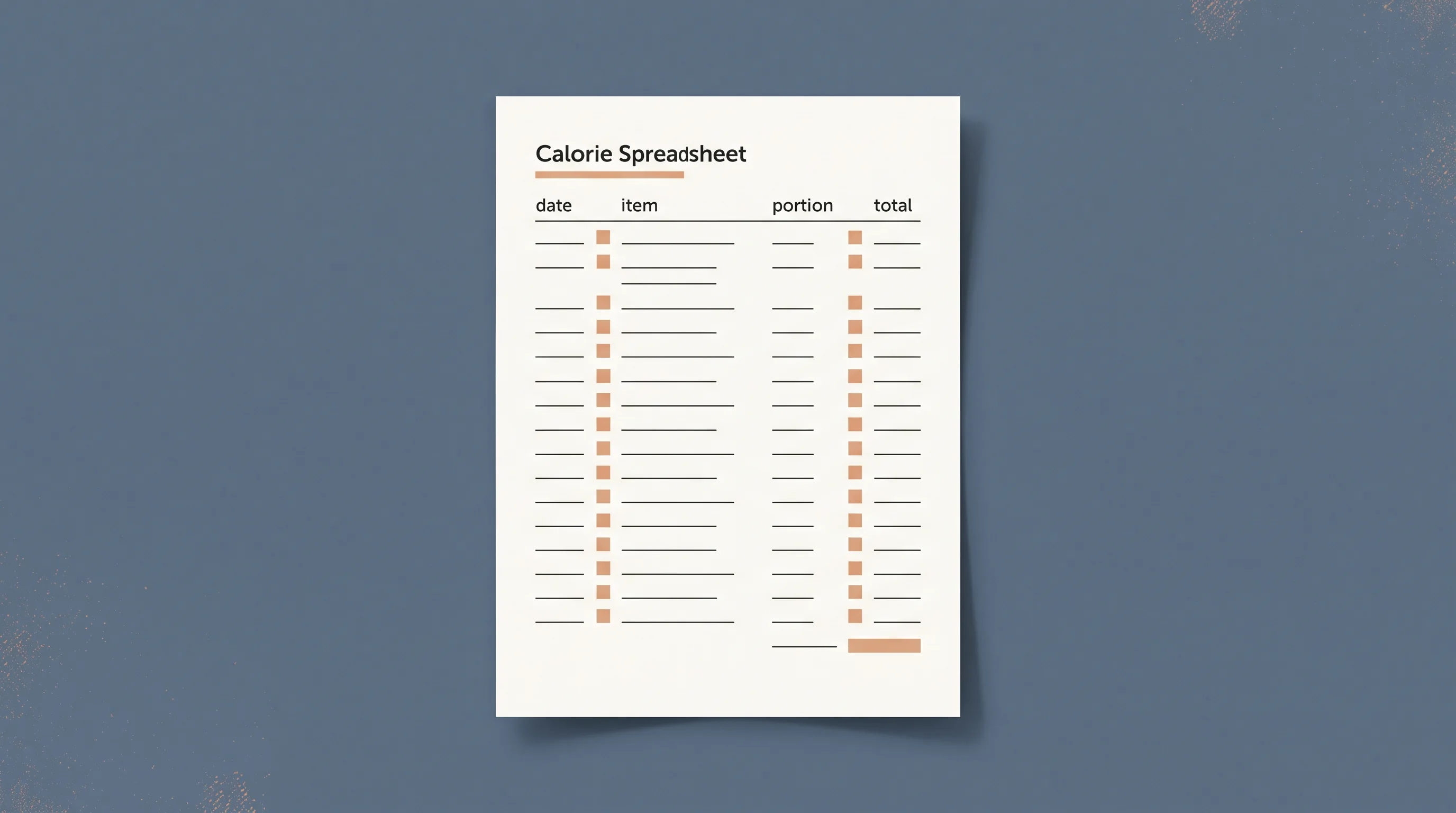
A calorie tracker spreadsheet is a dated record of food or drink, serving amounts, and calorie values you choose to enter. It can stay short or include optional fields. Start by deciding what you want the file to remember. A date, item, serving amount, and calorie figure can be enough for a simple record. Add macros or a daily total only if you want them.
A calorie entry is one optional record among weigh-ins, measurements, photos, and workouts. The sections below show which fields a log can hold, how totals work, and what a spreadsheet cannot verify.
The Trend Line:
- Keep a calorie entry connected to its date and serving amount.
- Label portions clearly; the number on a food label applies to its listed serving.
- Treat totals as arithmetic on the values entered, not as a check of those values.
- Leave the calorie tab unused if it does not help your record.
What a Calorie Tracker Spreadsheet Can Record
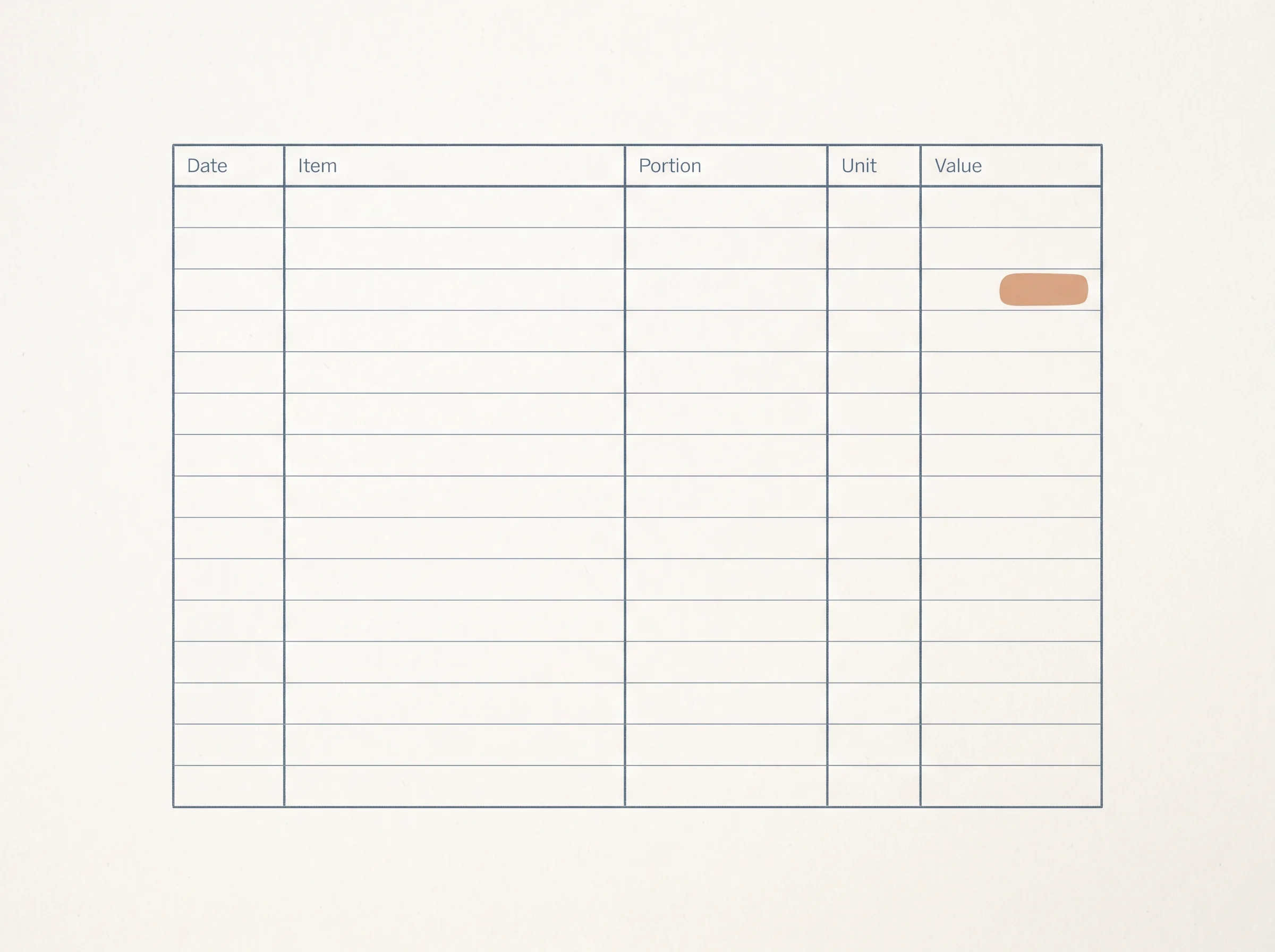
A calorie tracker spreadsheet records values you choose to enter. At its simplest, it has a date, an item description, an amount, a unit, and a calorie value. You can add protein, fat, carbohydrates, or a daily total when those fields matter to your own tracking.
| Field | Example entry | What it preserves |
|---|---|---|
| Date | 11 Nov | When you made the entry |
| Item | Oat drink | Your description of the food or drink |
| Amount | 250 | The portion amount you recorded |
| Unit | ml | The scale used for that amount |
| Calories | 120 | The value entered for that portion |
| Optional nutrients | Protein, fat, carbs | Extra figures you choose to keep |
The example is fictional and only shows a layout. It is not nutrition guidance or a typical value. A label’s calorie number refers to the serving shown on that label. The FDA says to compare its serving size with the amount used, and it makes clear that serving size is not a recommendation (FDA label guide).
That serving connection is easy to lose in a spreadsheet. If an entry says “120 calories” without a portion, a later reader cannot tell what it describes. “250 ml, 120 calories” carries more context. Your own record can use a different unit, as long as you keep it visible.
Calorie Log at a Glance
The right setup depends on what you need to retain. This table compares a few common spreadsheet choices by the work they leave you.
| Format | What it stores | What you maintain | Best for |
|---|---|---|---|
| Short dated log | Date, item, amount, calories | Entry labels and totals | A compact record |
| Macro log | Calories plus selected nutrient fields | More columns and source values | People who use those fields |
| Daily summary | A total for each date | Formula ranges and missing rows | Seeing a sum by date |
| Optional tab in a wider tracker | Calories beside other records | Whether and when to use it | Keeping related records in one file |
A simple layout gives you fewer columns to fill. A more detailed one keeps more fields together, but each extra column needs a clear job. Spreadsheet formulas can add entered numbers. They cannot confirm that a serving size, label value, or food description matches what was consumed.
Keep the Serving Amount Beside the Number
Record the serving amount with its unit, then keep the calorie figure tied to that same entry. This makes it easier to interpret later. For a packaged food, the FDA label guide explains that calorie and nutrient amounts refer to the serving listed on the label. If you use another amount, the entry needs to reflect that difference.
For example, if a label lists information per one cup and you enter one-half cup, note that portion explicitly. Do not copy a label number into a row that has no amount or unit. The spreadsheet can still add it, but the total will only be as clear as the rows underneath it.
USDA FoodData Central documents food energy values and explains that the calculation method varies by data type. Its Foundation Foods documentation describes use of Atwater factors for many energy values. That is a useful reminder that a calorie figure is a recorded or calculated value with a source and method behind it, not a universal property that a spreadsheet can validate (USDA Foundation Foods documentation).
For a personal file, a source column can help when you want to find a value again. You might note “package label,” “restaurant menu,” or the name of a database entry. The point is traceability: a future edit can start from the source you used instead of an unexplained number.
Add Totals Only After You Choose What They Mean
A daily total is a sum of the calorie values in the rows you include. In a spreadsheet, a function such as SUM can add a selected range. If rows 2 through 5 contain the fictional calorie values, =SUM(E2:E5) adds those cells when the values sit in column E.
Keep the formula range easy to inspect. Give the result a label such as “Recorded total” and leave the source rows nearby. If you add another entry later, check whether the formula now includes that row. A total that stops at the old last row can look complete while missing a value.
| Date | Entry | Amount | Calories | Included in example sum? |
|---|---|---|---|---|
| 11 Nov | Item A | 1 serving | 120 | Yes |
| 11 Nov | Item B | 250 ml | 90 | Yes |
| 11 Nov | Item C | 1 piece | 80 | Yes |
| 11 Nov | Item D | 30 g | 110 | Yes |
| Example total | 400 | SUM of the four example values |

These fictional values demonstrate addition only. The total does not assess whether the entries are complete or whether the values match a particular product. When an amount is unknown, leaving the cell blank keeps that uncertainty visible. Typing zero would instead make it look like you recorded a zero-calorie value.
Decide Which Extra Columns Earn Their Space
Protein, fat, and carbohydrate columns are optional details. Add them when you have a reason to keep them and a source for the values. If you do not use a field, it adds width without helping you read the log.
The same applies to a target column. A spreadsheet can compare an entered number with a target you supply, but it cannot determine whether that target suits your circumstances. NIDDK describes its Body Weight Planner as a tool for adults and notes that it is not intended to provide medical advice (NIDDK Body Weight Planner information). A general-purpose spreadsheet should not turn a formula into a personal recommendation.
The Calorie Tracker in Ultimate Fitness Tracker is optional. Its fields include eaten and burned calories, protein, fat, carbohydrates, and a target you enter; its BMR calculator is labelled as an estimate. Calories do not need to be used for the rest of the file's weigh-ins, measurements, photos, or workouts.
If your purpose is only to remember workouts, a calorie table adds nothing to that record. If you want multiple kinds of information together, keep each section labelled so one set of numbers does not look like another. You can also compare the fields in a weight loss tracker spreadsheet before choosing what belongs in a wider file.

Check the Spreadsheet Before You Rely on a Total
Test the formula with a few made-up rows before you use a sheet for your own entries. Confirm that the displayed sum matches the numbers you can see. Then add one more row and check that the formula includes it. Clear the test values afterward.
These checks catch common spreadsheet mistakes: a formula range that stops too early, a number stored as text, or a row that uses a different unit. They do not validate the source values. Keep those limits clear in the sheet itself, perhaps in a note beside the column headings.
If you maintain your own workbook, keep one purpose per column and avoid merging unrelated totals. A blank entry should stay blank when you have no value to record. If you change a formula, check both an ordinary row and a blank one so that the result behaves as you expect.
You may also want to compare a printout, a blank spreadsheet, and a ready-made template. Paper requires manual totals. A blank sheet gives you control and leaves the formulas to you. A prepared tracker can save setup when its fields match what you plan to record. The weight loss tracker template guide covers that broader format choice.
What a Calorie Log Cannot Tell You
A calorie tracker spreadsheet can show the values entered and the arithmetic applied to them. It cannot judge food quality, verify portions, diagnose a health concern, or decide what target someone should use. Keep the distinction visible if you add a total or a target field.
Food labels and databases are sources for values, each with their own definitions and methods. For a packaged product, use its label and record the serving basis. For other entries, keep the source name or note beside the value when that helps you check it later. Avoid presenting an estimate as an exact measurement.
Keep each record type separate when one file holds several. A calorie total summarizes the calorie values entered for a chosen date range. It does not summarize the scale, measurements, photos, or workout log, which each hold different information. For a separate example of dated readings and a trend summary, see the weight loss chart guide.
Why Trust This Article
The Cosmo Suite team made the Ultimate Fitness Tracker spreadsheet. This article covers spreadsheet fields and arithmetic, not nutrition or medical advice. We checked the FDA label guide, USDA FoodData Central documentation, and NIDDK tool information on 11 November 2026. The example values are fictional. The product details come from its contents list. This is about tracking, not medical advice. Talk to a doctor about your health.
Where the Ultimate Fitness Tracker Fits
Ultimate Fitness Tracker is a weight loss and workout spreadsheet for Google Sheets and Excel. Its Calorie Tracker is optional, with fields for eaten and burned calories, protein, fat, carbohydrates, and a target you enter. The BMR calculator is labelled as an estimate.
The file also includes weigh-ins with a 7-day average, measurements and photos, and a Workout Planner that shows what you lifted last time. If you want those records arranged together and prefer to leave calorie logging unused, you can view the weight loss and workout tracker spreadsheet. If the calorie tab suits your record, it remains one part of the workbook, rather than a requirement for the other tabs.
The right choice is the format you can understand and maintain. A blank workbook gives you full control over its columns and formulas. A ready-made one is useful when its sections match the records you want to keep. You can see how the tracker keeps weigh-ins beside other records and decide whether that layout suits you.
Frequently asked questions
What should a calorie tracker spreadsheet include?
A basic log can include the date, food or drink, serving amount, calories, and any nutrients you choose to record. Keep the serving unit beside the amount so you can read an entry later. Daily totals and targets are optional choices, not requirements.
Can Excel or Google Sheets add calories for me?
Yes. A SUM formula can add numeric entries in a selected range. Check that the range includes the intended rows and that blank entries stay blank. A total only adds the values entered; it does not verify the food or serving information.
How do I track calories from a food label?
Start with the serving size printed on the label. The listed calories apply to that serving, so record the amount you used and keep its unit clear. The FDA explains that serving size is a reference for the label, not a recommended amount.
Do I need to track protein, fat, and carbohydrates too?
No. Add those fields only if they serve a purpose for your own record. A smaller sheet with the columns you use is easier to read and maintain than a wide log full of unused fields.
Can a calorie tracker spreadsheet set my calorie target?
A spreadsheet can display a target you enter, but it cannot choose a suitable target for you. Needs and health circumstances vary. The Ultimate Fitness Tracker's Calorie Tracker is optional, and its BMR figure is labelled as an estimate.
Is a calorie log useful if I do not want to count every day?
It can be used for the dates and details you choose to record, or left unused. A missed day does not require a reset or a replacement number. You can keep other records, such as workouts or measurements, without entering calories.
Sources
Keep reading
Weight Loss Tracking
Weight Loss Tracker Spreadsheet: Track the Trend, Inches and Workouts in One File
Weight loss tracker spreadsheet template: the 7 fields it needs, the 7-day average formula, and a 14-day worked example for Google Sheets and Excel.
· 7 min read
Weight Loss Tracking
Weight Loss Tracker Template: What a Good One Tracks Besides the Scale
Weight loss tracker template checklist: 7 fields a good one needs, scored across printable, Notion and spreadsheet formats, with a worked example log.
· 7 min read
Weight Loss Tracking
Weight Loss Chart: Daily Dots, a Weekly Line, and How to Read Both
Weight loss chart examples can show daily readings beside a weekly average. Learn how to make a clear chart, label example data, and read both lines.
· 7 min read
