Running Log Template: What to Record After Each Run
running log template: record each run with a date, distance, time, intensity and short note, then sort the entries when you want to review them.
By Ultimate Fitness Tracker by Cosmo Suite · Editorial policy
Published · 7 min read

General information, not medical or fitness advice. Talk to a qualified professional.
Running log template is a record of completed runs, with a date, distance, elapsed time, and details you may want to find later. Start with those fields. Add pace, route, intensity, or notes only when you plan to use them.
After a run, it can be hard to remember which route or session a set of numbers belongs to. A simple log keeps the entry in your own format. The Workout Planner in Ultimate Fitness Tracker records time, distance, and intensity alongside the rest of the workout log.
The Trend Line:
- Use one row per completed run, with a date and clear distance unit.
- Keep planned sessions separate from what the entry says happened.
- Treat pace and notes as optional fields, not required scores.
- The example rows below are fictional and show a layout only.
Running Log Fields at a Glance
A useful running log template starts with a date, distance, and elapsed time. The CDC's Fitness Log uses a dated weekly grid for activity minutes and leaves room for optional details. Nationwide Children's Hospital's training-log guide also lists distance, time, activity, and other details among possible entries.
| Field | What to enter | Keep it simple |
|---|---|---|
| Date | Day the run took place | Use one date format |
| Distance | Number and unit, such as km or mi | Keep one unit in the column |
| Elapsed time | Total time for the recorded run | Use hh:mm:ss or mm:ss consistently |
| Run type | A short label you choose | Optional, keep labels consistent |
| Intensity | A short personal note or scale value | Only if useful to you |
| Notes | Route, surface, conditions, or a reminder | One line is often enough |
Elapsed time is the recorded duration for the run. Keep the notation consistent so later entries are easy to compare. Intensity note is a personal label or scale value you choose to save with an entry. The table's “easy” and “steady” examples are labels only.
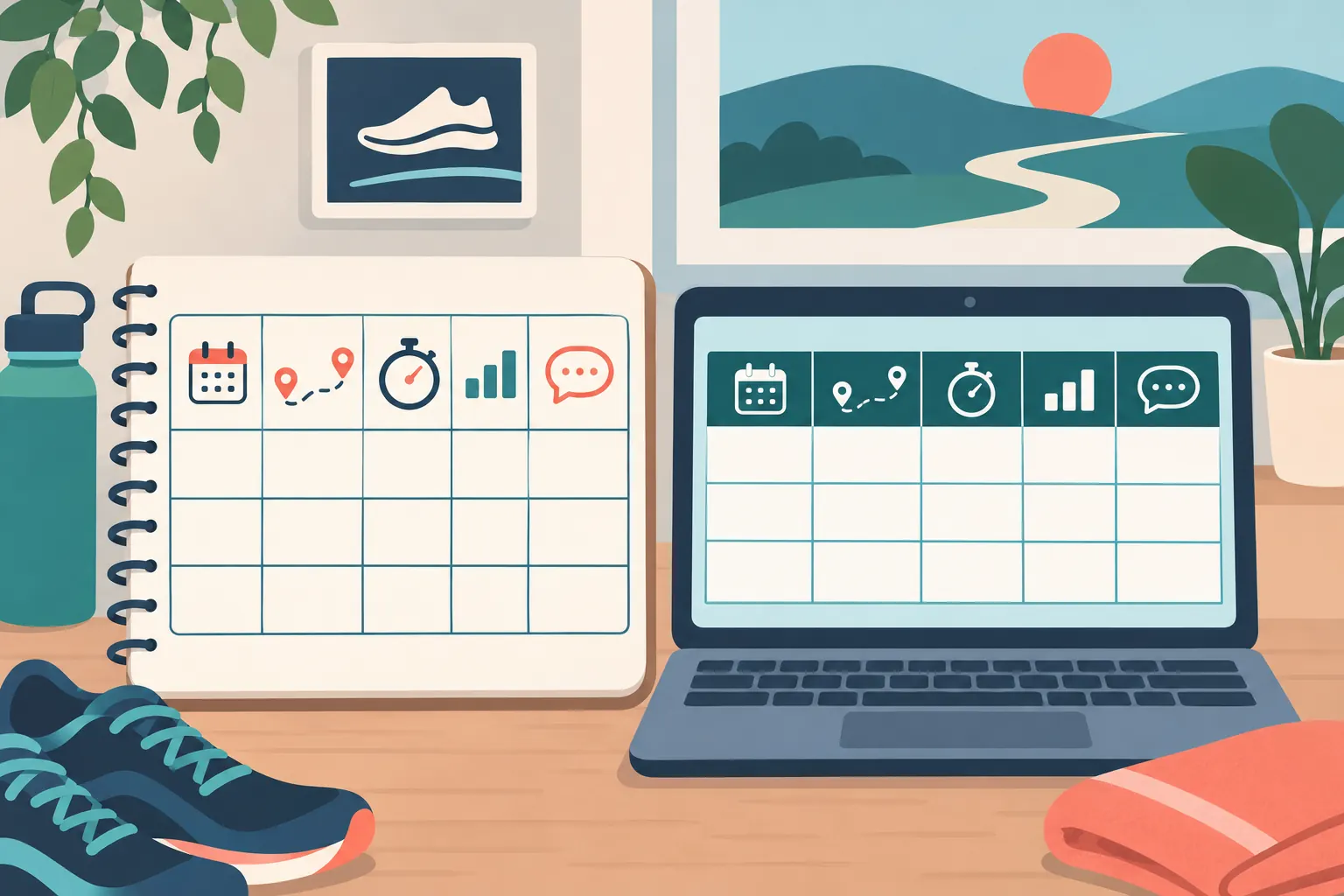
Keep the template short enough to fill in after a run. Start with the details already at hand, then add a field when you find yourself wishing you had it.
How to Set Up a Running Log Template
Set up the row before choosing formulas or charts. The row should describe one completed run from left to right, so the date and activity details stay together when you sort the history.
- Add a header row for date, distance, unit, elapsed time, and notes.
- Add one row for each run. If two runs happen on one date, give each a separate row.
- Use the same unit and time format in every entry.
- Add a short type or intensity label if it helps you review the record.
- Keep planned sessions on a separate view or label them clearly as planned.
In Google Sheets, keep the field names in the first row and use the built-in sort or filter tools when you need to find entries. The Google Sheets help page for sorting and filters explains how to freeze a header row, sort a range, and filter data. In Excel, filters can show selected rows while leaving the rest of the table in place, as described in Microsoft's filter instructions.
Pick date order once and keep it. A spreadsheet that sorts dates as text can put 11 October ahead of 2 October, which makes the log harder to scan. Use actual date values in the date column, then check the order after your first sort.
Some runners prefer a weekly grid with one column per day. That can make a week easy to scan on paper, especially when each day needs only a short entry. A row-based log works well when you want to filter, sort, or keep multiple runs on one date. Try both layouts with a few fictional entries before building a longer history. Keep the one that matches how you record a run and makes older entries easy to find.
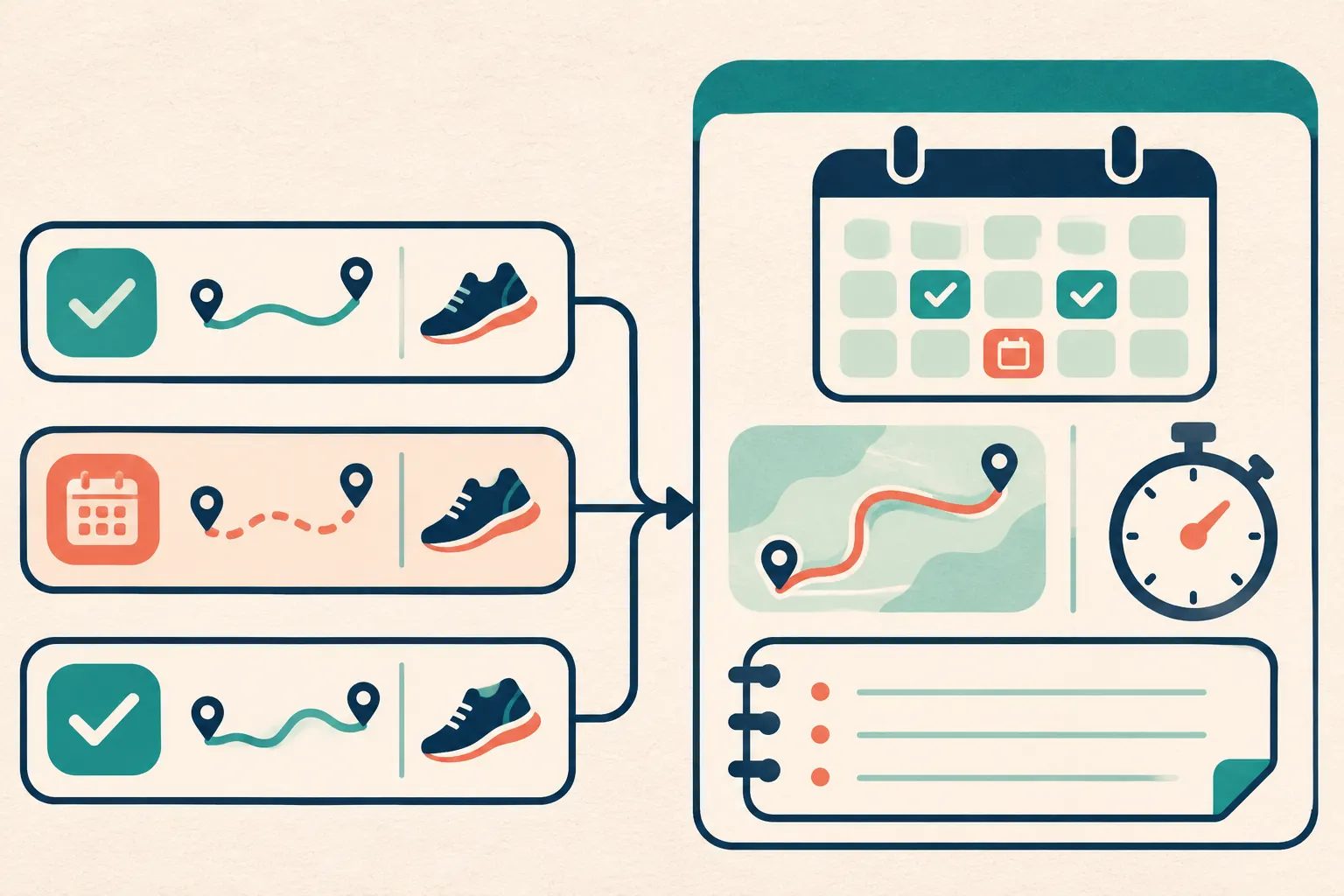
You can also keep the run record and the calendar view separate. A calendar answers “what was planned for this date?” A log row answers “what details do I want saved about this run?” If you place both in one file, label those sections clearly. This keeps a changed plan from looking like a completed session.
What a Running Log Example Looks Like
An example running log can show the structure without suggesting a pace, distance, or training target. These fictional entries use kilometres and minutes. They are not a typical result or a recommendation.
| Example data only | Date | Distance | Time | Intensity note | Short note |
|---|---|---|---|---|---|
| Entry A | 4 Nov | 3.2 km | 24:00 | Easy, by personal label | Park loop |
| Entry B | 7 Nov | 4.0 km | 31:00 | Steady, by personal label | Same route |
| Entry C | 10 Nov | 3.2 km | 25:00 | Easy, by personal label | Rainy path |
The time and distance columns are easy to compare. Notes add context when you need it. In this invented example, the intensity labels are personal shorthand. They do not follow a standard scale or rate the runner.
A row should still make sense months later. “Run” in the notes may not help much. “Park loop” names the route; “rainy path” records a condition. If a note does not change how you understand the entry, skip it.
Keep a blank field blank when no note was recorded. Do not enter zero for a missing distance or time, because zero looks like a value. If an entry is incomplete, a short label such as “time not recorded” makes that clear. This also helps when a spreadsheet later sorts or filters the column.
Should You Track Pace, Intensity, or Both?
Pace and intensity describe different things, so choose each based on the question you want the log to answer. Pace is calculated from distance and time. Intensity can be a personal label or a scale you already use. Neither field needs to become a grade for the session.
If you want pace, keep the source values too. A pace value without its distance unit can become confusing when you switch between miles and kilometres. A row with 5 km, 30:00, and 6:00 per km is easier to interpret than a lone “6:00.”
If you track intensity, write down what your label means to you and use it the same way across entries. The RPE guide for a workout log explains one way to label perceived effort in a lifting record. A running log can use a short personal note, but this article does not set training zones or advise how hard to run.
How to Review a Running Log Without Turning It Into a Scorecard
Review the record for information you wanted to remember. You might filter for one route, check which unit a row uses, or compare two entries with the same distance. A review can be as small as finding the note you wrote last time.
Before adding a summary tab, check whether you can:
- Can you find the latest entry by date?
- Does each distance show its unit?
- Can you tell a completed run from a planned one?
- Are your labels consistent enough to filter?
- Do the notes help explain the row?
The workout log template guide compares ways to store workout records. The weight loss tracker spreadsheet guide shows how dated entries can sit beside a longer trend. Both are useful references if your running record will live beside other kinds of tracking.
If you want those workout records in a ready-made file, the Ultimate Fitness Tracker workout spreadsheet keeps them alongside other documented tracker tabs.
Skip weekly totals until you know what you want to review. When you add one, label the date range it covers. A week that starts Sunday differs from one that starts Monday. A late entry can shift the sum if its date is wrong.
For a simple review, filter by a route or run type and look at the entries that remain. Check whether the same unit appears throughout the distance column. If a note repeats across many rows, consider whether it belongs in its own column. Leave the layout alone when it already answers the question you had. A log does not need a dashboard to be useful as a record.
Where Ultimate Fitness Tracker Fits
Ultimate Fitness Tracker is a spreadsheet for Google Sheets and Excel. Its Workout Planner includes fields for time, distance, and intensity, alongside the rest of the workout record. It also has a “last time” view for exercises, which is useful for lifting entries.
If you want workouts kept in a broader file with weigh-ins and measurements, the Ultimate Fitness Tracker spreadsheet is one option to compare with a running-only app or a blank sheet. The product's documented tabs keep workout records beside other tracking areas.
Why Trust This Article
Cosmo Suite makes Ultimate Fitness Tracker. The About page identifies the publisher, and the editorial policy explains how sources and corrections are handled. We reviewed the CDC Fitness Log and Nationwide Children's Hospital's training-log guide on 3 November 2026, then checked Google Sheets and Excel's current help pages for their sort and filter steps. We use those sources for field and software details only. No running app or template was tested. The example data is fictional and demonstrates a layout only. This is about tracking, not medical advice. Talk to a doctor about your health.
Frequently asked questions
What should a running log include?
Start with the date, distance, and elapsed time. Add the route or run type, an intensity note, and one detail you may want to find later. Keep units consistent.
How do I make a running log template in Google Sheets?
Create one row per run and add columns for date, distance, unit, time, intensity, and notes. Keep a header row, then use filters to find entries by date or run type.
Should I record pace in a running log?
Pace is optional. It depends on whether you have a distance and time you want to compare. Keep the original distance and elapsed time too, so the entry remains clear.
Is a running log different from a training plan?
A log records what you did. A plan sets out what to do. A template can hold either, but label planned sessions and completed entries separately.
Can I use miles or kilometres in a running log?
Either works. Put the unit in the header or in a separate column, and use it consistently. Do not mix miles and kilometres in one distance column.
What should I write in the notes column?
Use a short detail that helps identify the entry later, such as route, surface, weather, or a personal observation. Leave it blank when there is nothing useful to add.
