5x5 Workout: A Log Sheet for Every Session
5x5 workout: record the exercise, planned sets, actual reps, load, unit, and last session so each entry stays clear when you review your log.
By Ultimate Fitness Tracker by Cosmo Suite · Editorial policy
Published · 8 min read

General information, not medical or fitness advice. Talk to a qualified professional.
A 5x5 workout log should show the exercise, planned work sets, reps completed, weight and unit, and what you recorded last time. A 5x5 workout is a set-and-rep pattern that commonly means five sets of five reps for an exercise. Each program sets its own details. A workout tracker spreadsheet with a “last time” field can keep the previous entry beside the new one.
Save the planned target and completed reps separately. When a set ends with fewer reps than the plan lists, the log should show what you recorded.
The Trend Line:
- Put the program's target and each set's actual reps in separate fields.
- Include the date, exercise name, load, and unit.
- Keep a previous entry beside the current one when you want to compare sessions.
- The example data is fictional and shows a record format only.
What the Numbers Say About a 5x5 Log
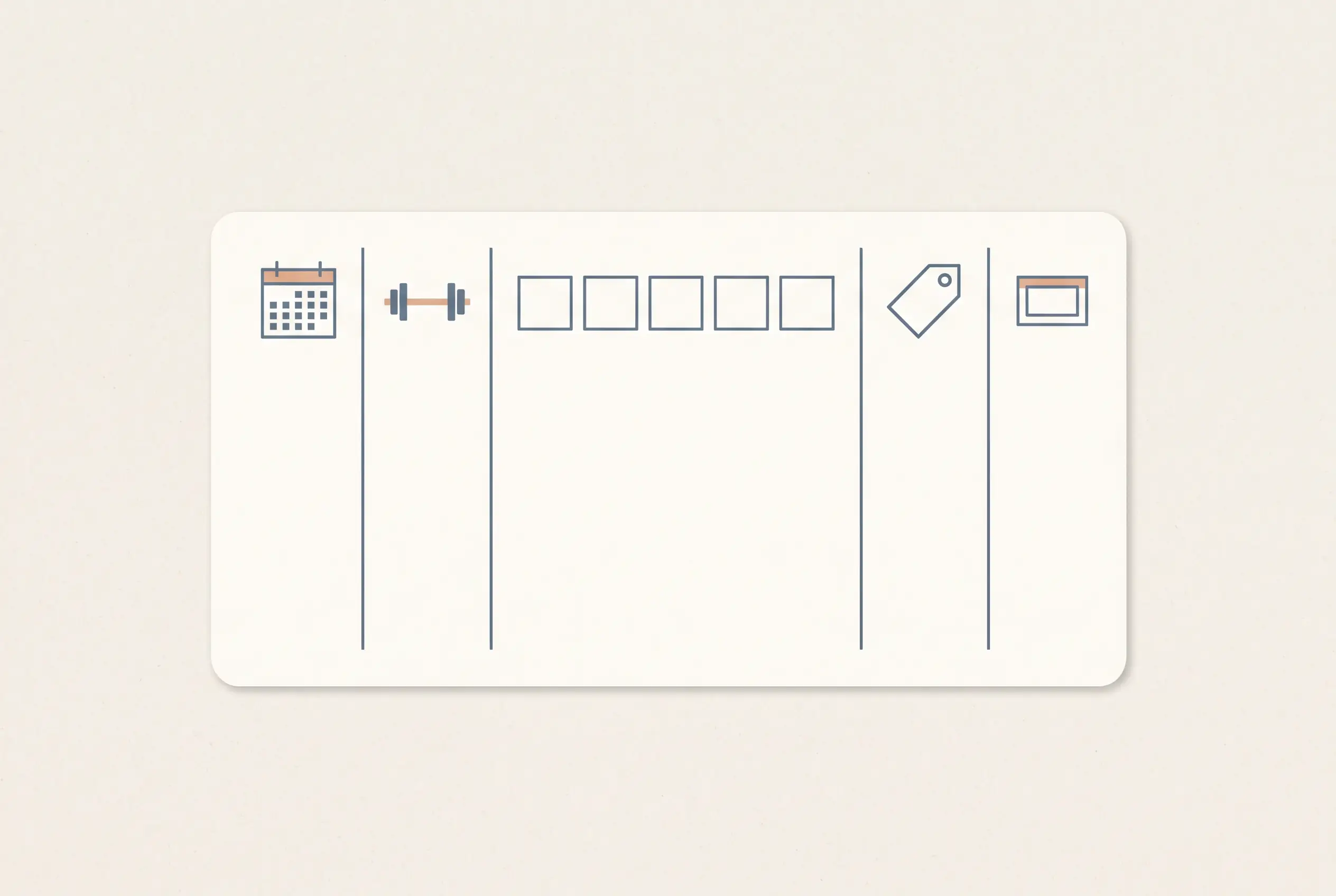
A useful 5x5 log makes the plan and the completed session readable at a glance. The five set columns below show where the target and actual reps belong.
| Number or field | What it tells you | How to record it |
|---|---|---|
| Date | When the session happened | Use one date format |
| Exercise | Which movement the row describes | Keep the name consistent |
| Planned work | The sets and reps in the program | Enter the target, such as 5 sets of 5 |
| Actual reps | What each work set recorded | Write one value per set |
| Load and unit | The weight shown beside the entry | Keep kg or lb visible |
| Last time | The earlier record for this exercise | Include its date and values |
If every set used the same load, one weight field can describe the exercise's work sets. If the load changed between sets, use a row for each set. The layout should preserve what happened without making the next reader decode shorthand.
A separate “last time” field is useful when you revisit the same exercise. It gives the older entry a date and values beside the new session. Keep the previous entry visible even when the two dates are far apart.
What 5x5 Means in a Workout Log
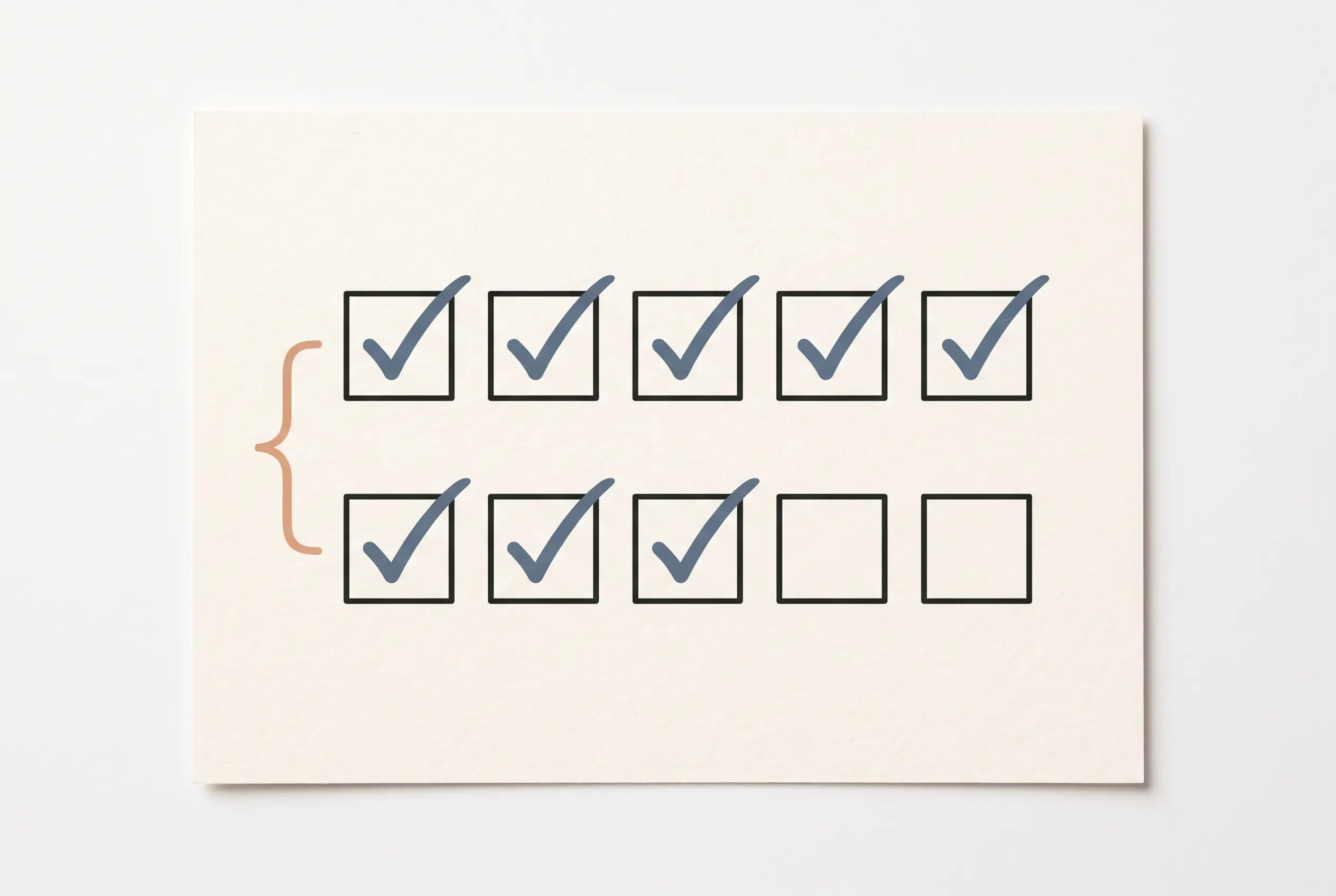
The 5x5 label usually refers to five sets of five reps for an exercise, but it does not name one complete routine. A program sets out its own exercises, order, warm-up work, and exceptions.
For example, the StrongLifts 5x5 program page describes five sets of five reps with the same weight for several exercises. On that same page, it lists deadlift work as one set of five. That detail belongs to that program's instructions. It is a reason to record what your own plan says instead of treating every session labelled “5x5” as identical.
For later comparisons, keep the planned work and completed work in separate fields. A row that says “5x5” alone cannot show whether all five sets were completed as planned. Write the reps for each set to keep the entry specific.
Warm-up sets may also appear in a program. If you choose to record them, mark them as warm-ups and keep the planned work sets distinct. The StrongLifts page describes its warm-up sets separately from work sets, which provides one example of how the terms are used. Follow the language in the program you use.
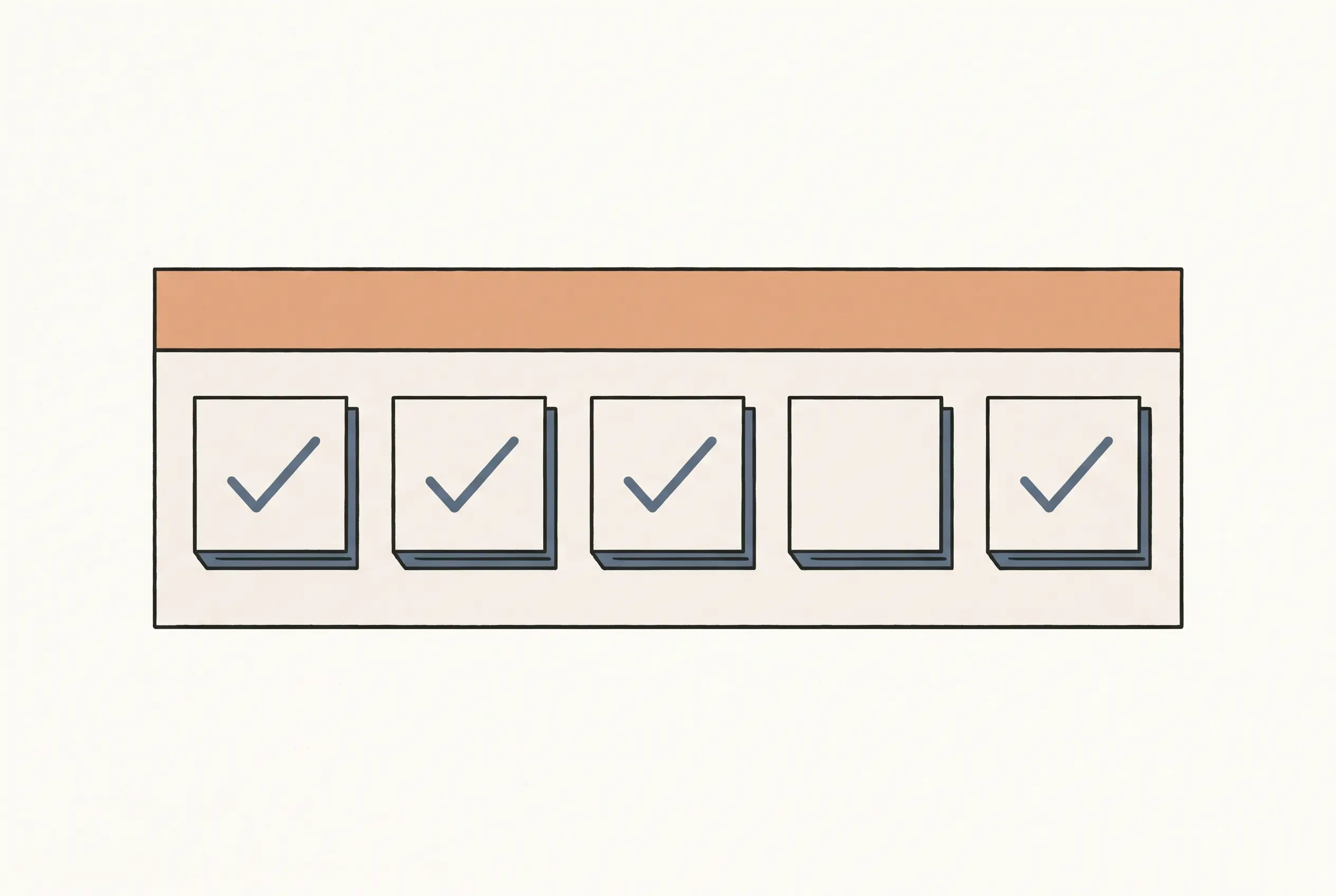
The details of a 5x5 entry can sit inside a broader, dated workout record.
Which Fields to Record for Each 5x5 Session
A 5x5 workout log can stay compact if its columns answer the questions you ask when you return to a session. Start with one row per exercise, then add a row per set if the work differs.
| Field | Example entry | Why keep it |
|---|---|---|
| Date | 4 Nov 2026 | Places the session in the log |
| Exercise | Squat | Identifies the movement by the same name each time |
| Program target | 5 work sets × 5 reps | Keeps the written plan separate |
| Set results | 5, 5, 5, 4, 4 | Records each set on its own terms |
| Load and unit | 40 kg | Keeps the number interpretable |
| Previous entry | 28 Oct: 5, 5, 5, 5, 5 at 40 kg | Shows which earlier record you mean |
| Note | Entry completed as written | Optional context, not a rating |
A program target can be written in one cell when you want a compact view. Actual reps are easier to compare when the set results have their own columns or rows. A row-per-set layout can include set number, reps, load, and unit. An exercise-level layout can keep the five rep results across one line.
Keep warm-up records separate if you include them. A heading such as “Warm-up” or a separate section prevents a lighter preparatory set from being counted as one of the planned work sets. If your program uses different language, use its labels.
Use the exercise name consistently. “Row” may refer to several movements, while a fuller label can identify the variation in your own log. If equipment or a setup changed, add a short note only when it helps identify the entry later.
A short note can explain a gap in the record, such as “weight not recorded.” Leave a blank cell blank when nothing was written down. Zero is a number, so it can be read as a completed value.
What a Fictional 5x5 Workout Log Looks Like
A fictional two-session example shows how the target, completed reps, load, and last entry can sit together. The numbers below describe a spreadsheet layout. They are not typical results or a recommendation.
| Example data only | Date | Exercise | Planned work | Actual reps by set | Load | Last time |
|---|---|---|---|---|---|---|
| Entry A | 21 Oct | Squat | 5 sets × 5 reps | 5 / 5 / 5 / 5 / 5 | 40 kg | First entry |
| Entry B | 24 Oct | Squat | 5 sets × 5 reps | 5 / 5 / 5 / 4 / 4 | 40 kg | 21 Oct: 5 / 5 / 5 / 5 / 5 at 40 kg |
| Entry C | 24 Oct | Bench press | 5 sets × 5 reps | 5 / 5 / 5 / 5 / 5 | 25 kg | First entry |
The second squat entry shows fewer reps in its final two sets than the plan lists. It records the difference without rating it.
The last-time field should point to the most recent entry for the same exercise. If you have no earlier entry, “First entry” is clearer than an empty value that could mean the data was missed. When you add another date, replace the previous reference with the entry that now comes before it.
A session may contain several exercises. Give each exercise its own row, or use a separate row for each set. Either works when the headings and units stay clear. The workout tracker spreadsheet guide shows an exercise-level log and explains how to keep a previous entry beside a current one.
How to Make a 5x5 Workout Log in Sheets or Excel
Create a header row first, then choose whether each row represents an exercise or a single set. Use the same approach throughout the log so sorting does not split one session into mixed formats.
- Add columns for date, exercise, planned work, actual reps, load, and unit.
- Add a row for each exercise, or a row for each set when the details vary.
- Keep the planned target and actual reps separate.
- Record the unit in the column or header, and use it consistently.
- Keep the most recent prior entry easy to locate.
- Add a brief note only when it explains something the other fields cannot.
In Google Sheets, a header row can be frozen, and a range can be sorted or filtered by its columns. Google's sort and filter instructions show the built-in options. Microsoft explains how to filter a range or table in Excel. These tools can help find a date or exercise when the log grows.
If you use a filter, make sure the header covers the full data range. A filter applied to only part of a session may hide rows that belong together. Clear the filter when you want to see the full history again.
Keep dates as dates and loads as numbers with a visible unit. Mixing kg and lb in one column can make equal numbers look alike when they mean different loads. If you use both units, put the unit in a separate column or note it in each entry.
Start with the fields that make the session understandable. Add a summary or chart when you have a specific question the recorded rows can answer.
How to Review a 5x5 Log
Review the entry for clarity before you compare sessions. Check that the date, exercise, units, planned work, and actual reps are all present.
A short review can ask:
- Does the exercise name match the one used in the earlier entry?
- Are the actual reps visible for each set?
- Is the load attached to its unit?
- Does the previous entry include a date?
- Are warm-up sets separated from work when both are listed?
An optional effort field is a separate detail from the reps and load in a 5x5 record.
A spreadsheet preserves the history you enter. Program directions and a qualified professional are the sources for personal training choices.
For a broader tracking setup, the weight loss tracker spreadsheet guide shows how dated records can sit beside other kinds of tracking. The 5x5 log remains focused on the session details you want to find later.
Where Ultimate Fitness Tracker Fits
Ultimate Fitness Tracker is a weight loss and workout spreadsheet for Google Sheets and Excel. Its Workout Planner records sets, reps, weight, time, distance, intensity, and what you lifted last time. It also includes a weekly workout log printable.
If you want a ready-made file for those records, the Ultimate Fitness Tracker workout spreadsheet keeps workout entries alongside the product's other documented tracking tabs. A blank sheet can hold the same basic fields when you prefer to build your own layout.
Why Trust This Article
Cosmo Suite makes Ultimate Fitness Tracker. The About page identifies the publisher, and the editorial policy explains source handling and corrections. We checked the StrongLifts program page, Google Sheets help, and Microsoft's Excel help on 4 November 2026. The program page supports the explanation of its own 5x5 format; it does not define every program. The example entries are fictional and show a record layout only. We do not test or recommend a training program. This is general information, not medical or fitness advice. Talk to a qualified professional.
Frequently asked questions
What does 5x5 mean in a workout?
It usually describes five sets of five reps for an exercise. The exact exercises and any exceptions depend on the program, so check its written plan.
How do you log a 5x5 workout?
Record the date, exercise, planned work sets, reps completed in each set, weight and unit. Keep warm-up entries separate when the program lists them.
Does every 5x5 workout use the same exercises?
No. The 5x5 label describes a set-and-rep pattern. Programs can list different exercises or exceptions, so record the version you follow.
Should warm-up sets go in a 5x5 workout log?
If you record warm-up sets, label them separately from the planned work sets. This keeps the session record easy to read.
What if I complete fewer than five reps in a set?
Write the reps you completed for that set. Keep the planned target in its own field, then follow the instructions for your program.
Can I make a 5x5 workout log in Google Sheets or Excel?
Yes. Use one row per exercise or one row per set, label each column, and keep dates and weight units consistent. Either layout can hold the record.
